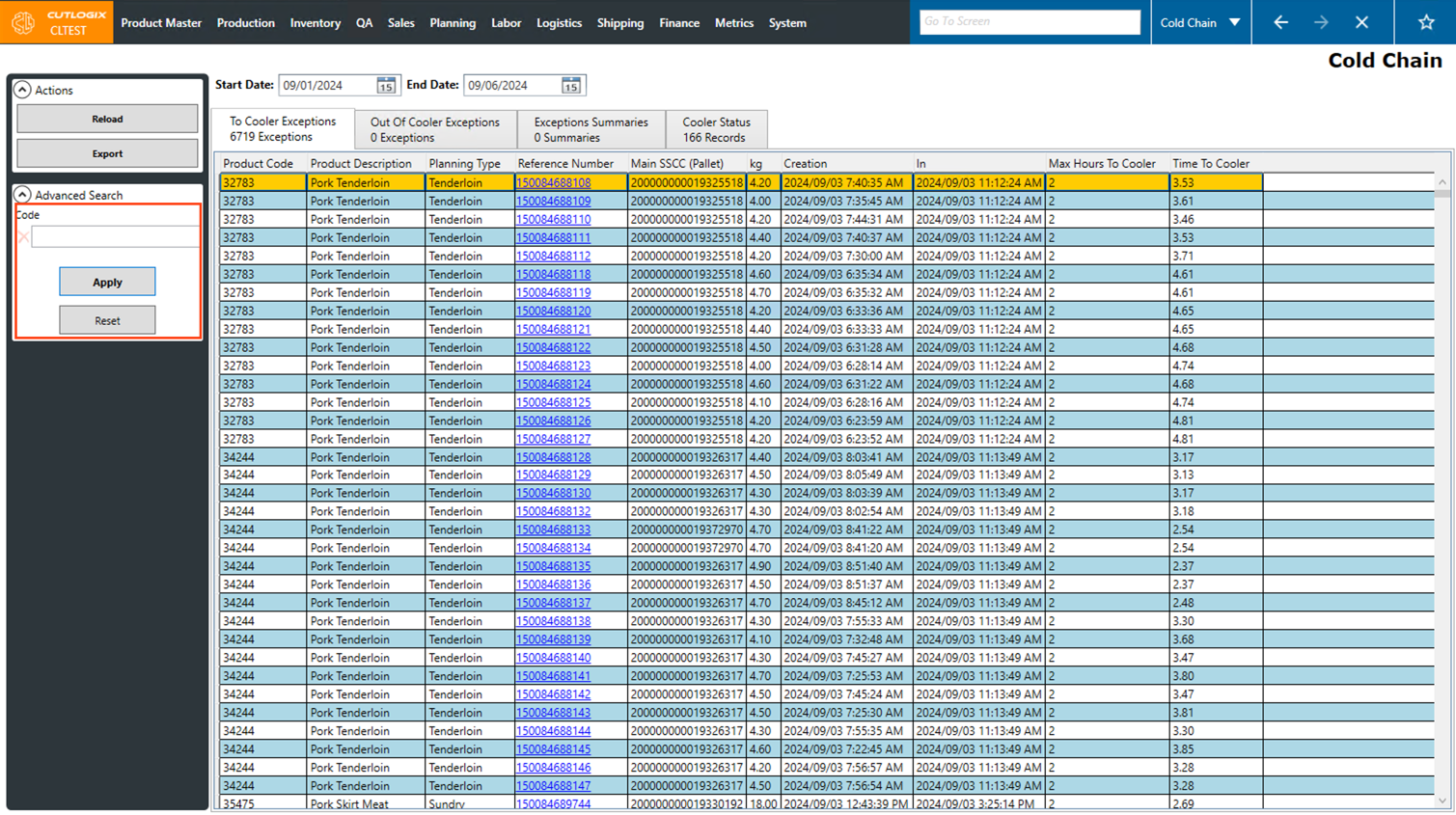
Cold Chain Overview
How to Navigate: Click on Shipping > Cold Chain
Summary
This page helps track the cold chain of chilled products within your facility. This is done by displaying exceptions that occur in the cold chain. Examples of exceptions could be products not being moved into the cooler within an appropriate timeframe, or products not spending enough time in the cooler. It also displays a summary of the movements of products in and out of the cooler.
-
Top bar actions
- Start Date: This field allows you to set the beginning date of the timeframe that you want to show data for on the cold chain screen.
- End Date: This field allows you to set the end date of the timeframe that you want to show data for on the cold chain screen.
Note: The specified time range cannot span more than 7 days. Once a start and end date have been entered, you must click "Reload" in the Actions Panel to reload the data on the page according to the newly set date range.
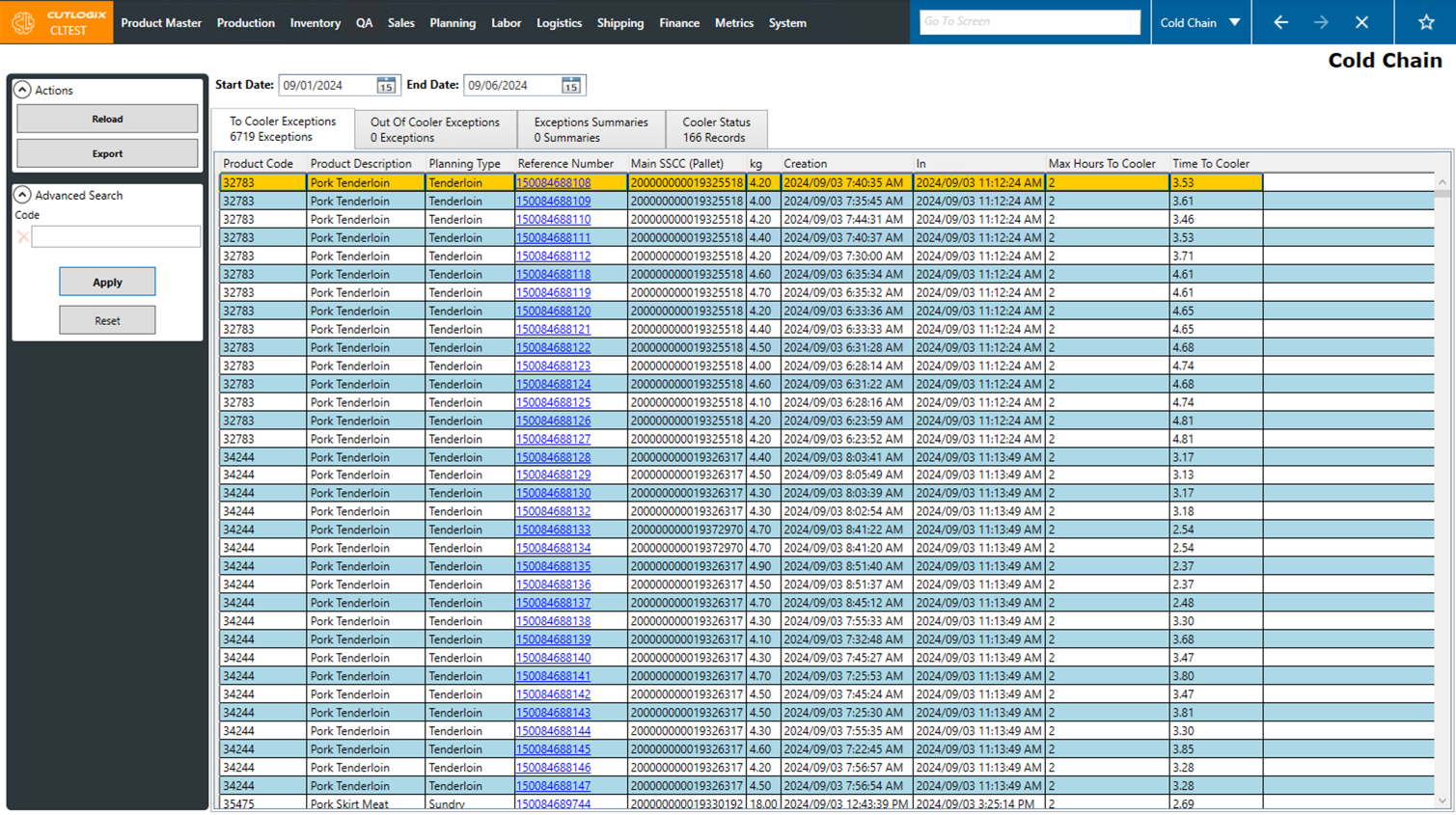
Actions
- Reload: Reloads the list displaying the most up to date information from the data base.
- Export: Downloads the data from the currently selected tab, into an excel file.
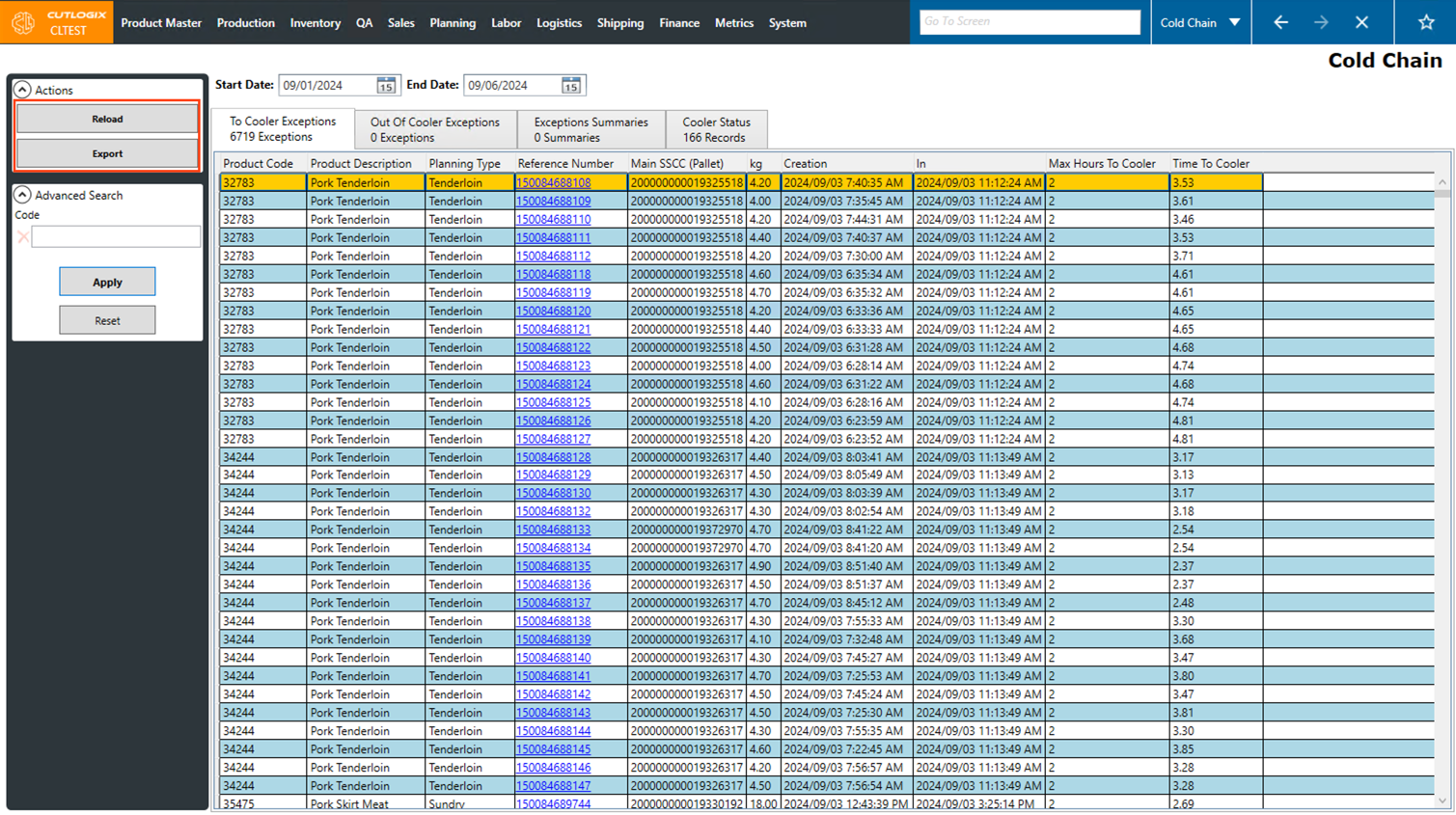
Search
- Code: Here you can enter a specific product code to search by.
- Apply: This will reload the list with the current search filters applied.
- Reset: This will reset the search filters and reload the list to an unfiltered state.