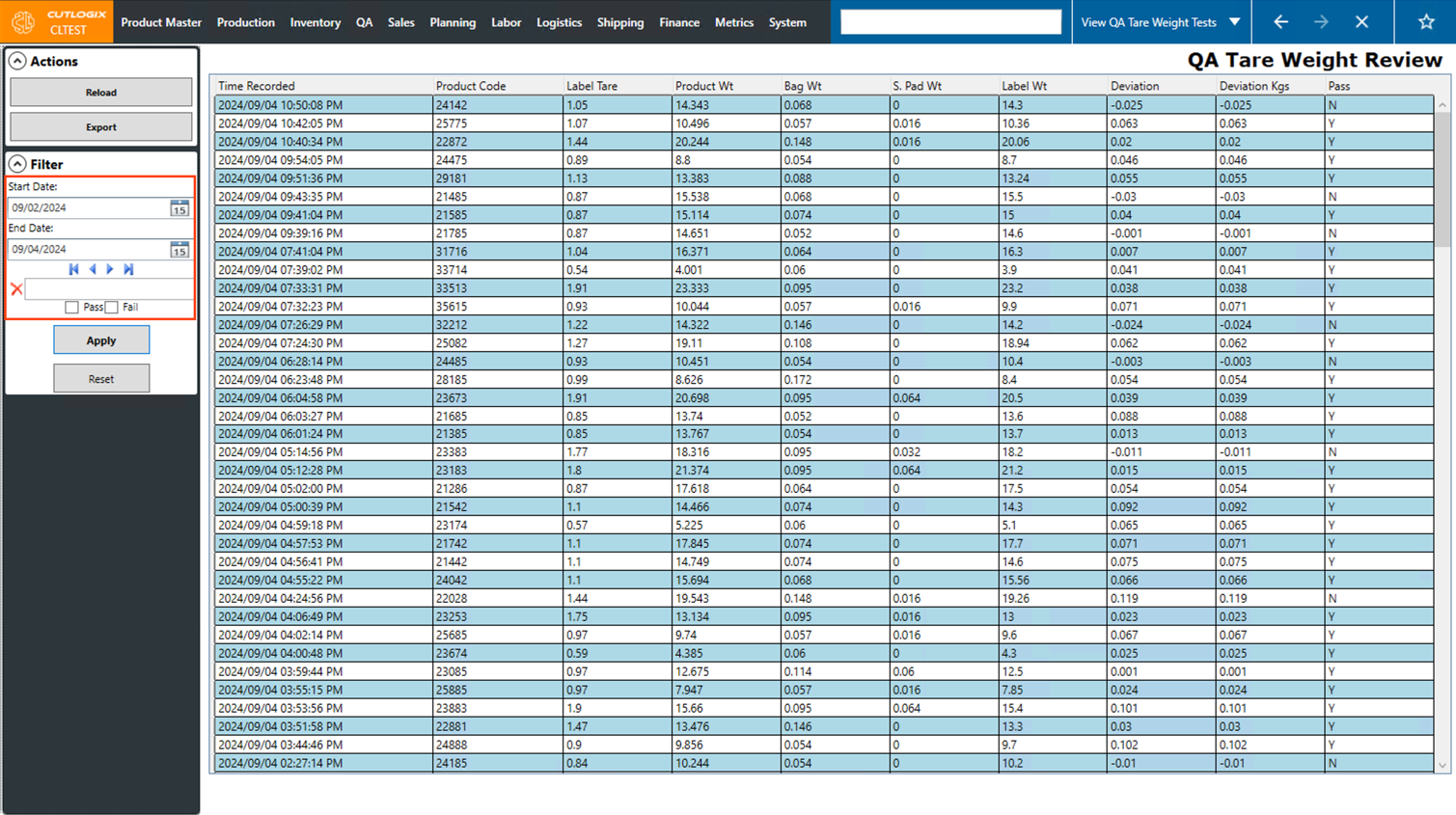
QA Tare Weight Review Overview
How to Navigate: Click on QA > QA Tare Weight Review
Summary
QA Tare Weight Review is where you can view QA tare weight results. These are entered on the "Tare Weight -QA" page in CutLogix mobile when a carton of product is opened and the product is weighed to make sure it matches what is displayed on the label. This is usually done at random on a set number of cartons per day, depending on the QA process of your plant.
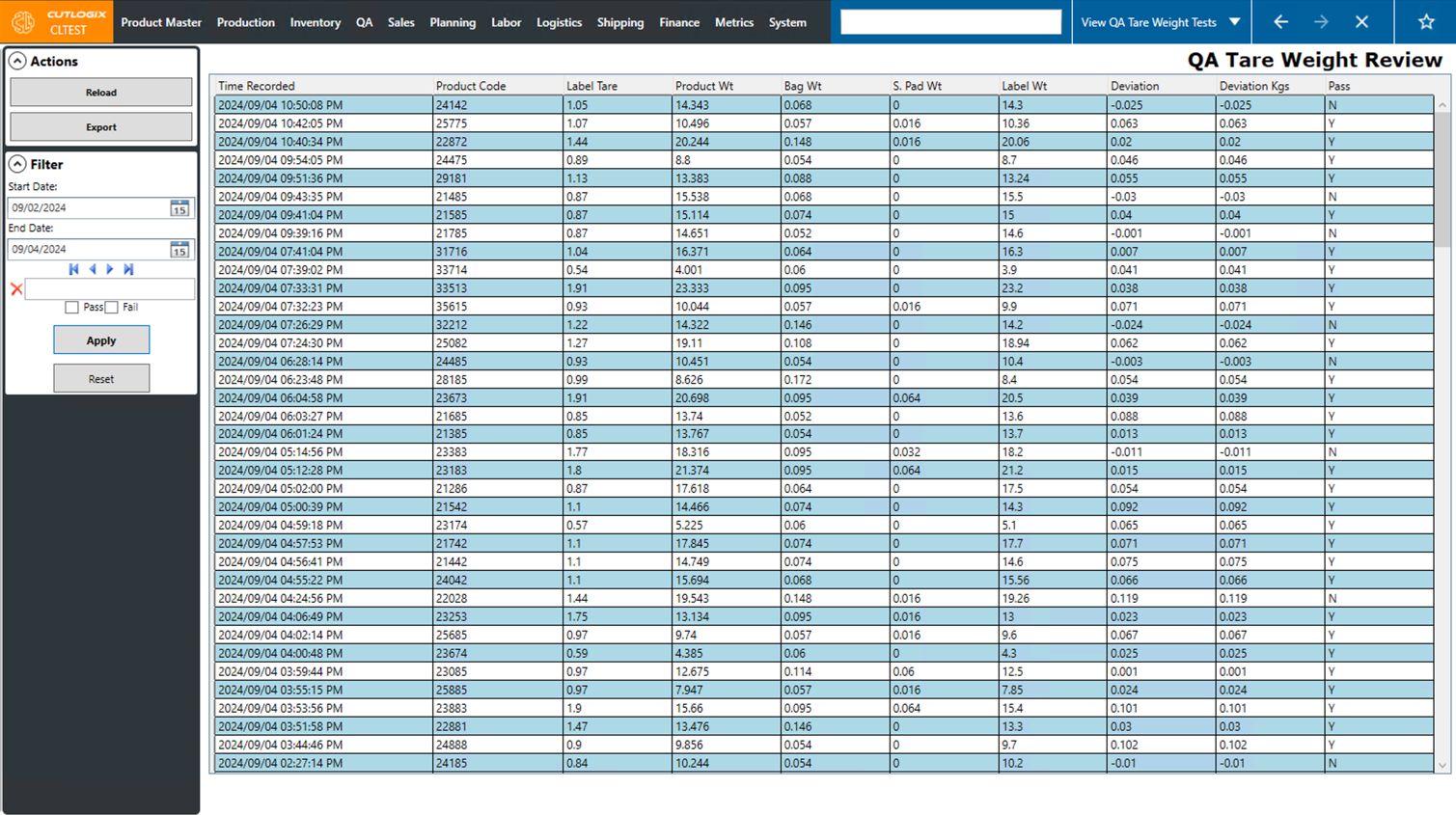
Actions
- Reload: Reload the data on the page from the database.
- Export: Export the list of QA Tare weight reviews into an Excel spreadsheet.
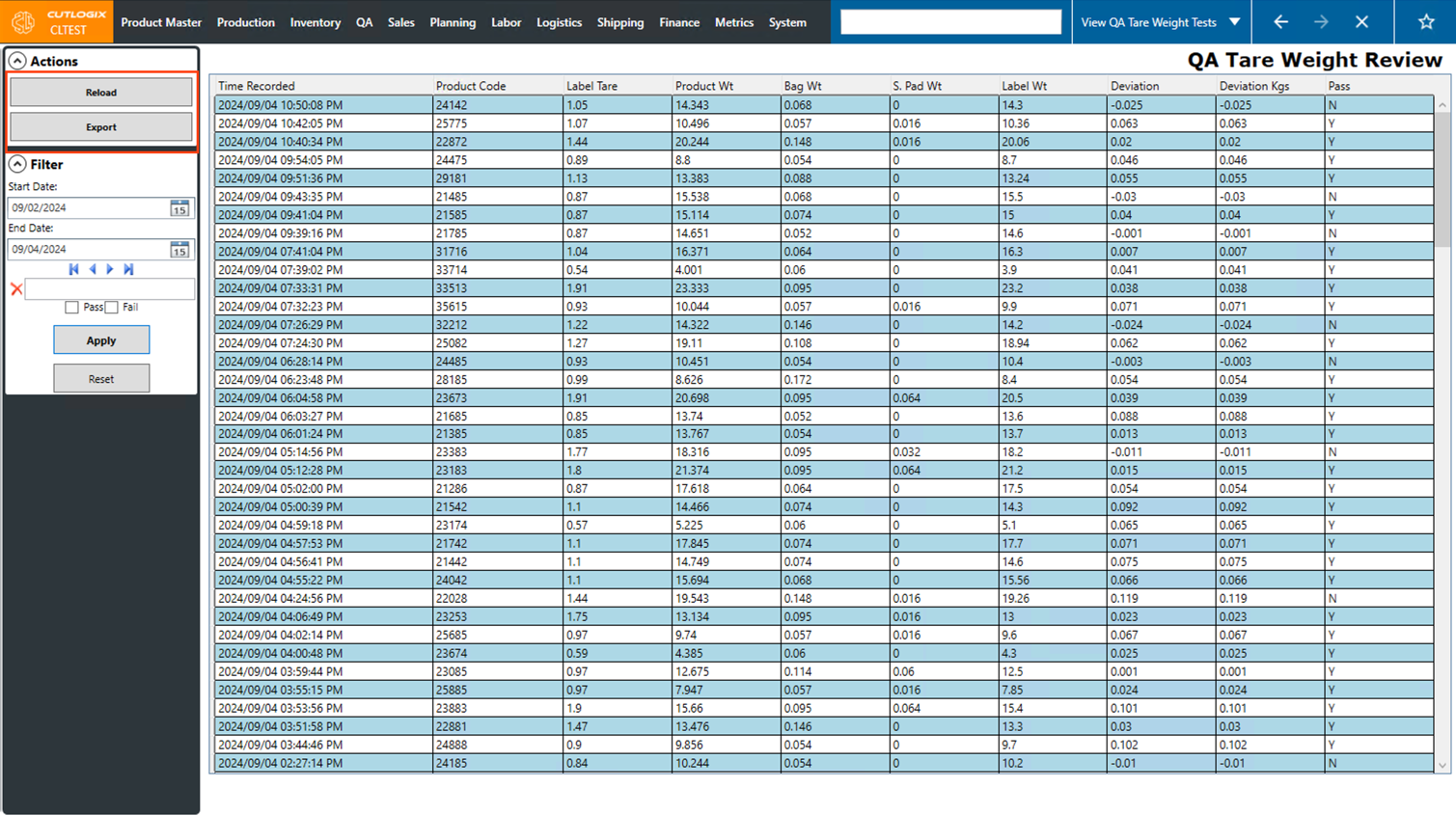
Filter
- Start Date: The starting date for the date range you want to view data for.
- End Date: The end date for the date range you want to view data for.
- Search Box: Enter a product code to search the tare weight reviews by.
- |◀: Set the selected date range back by one week.
- ◀: Set the selected date range back by one day.
- ▶: Set the selected date range forward by one day.
- ▶|: Set the selected date range forward by one week.
- Pass: This checkbox, if selected, will set the filter to only show records that passed.
- Fail: This checkbox, if selected, will set the filter to only show records that failed.
- Apply: Apply the currently selected filters and search.
- Reset: Reset the filters to the defaults and search the page using those.