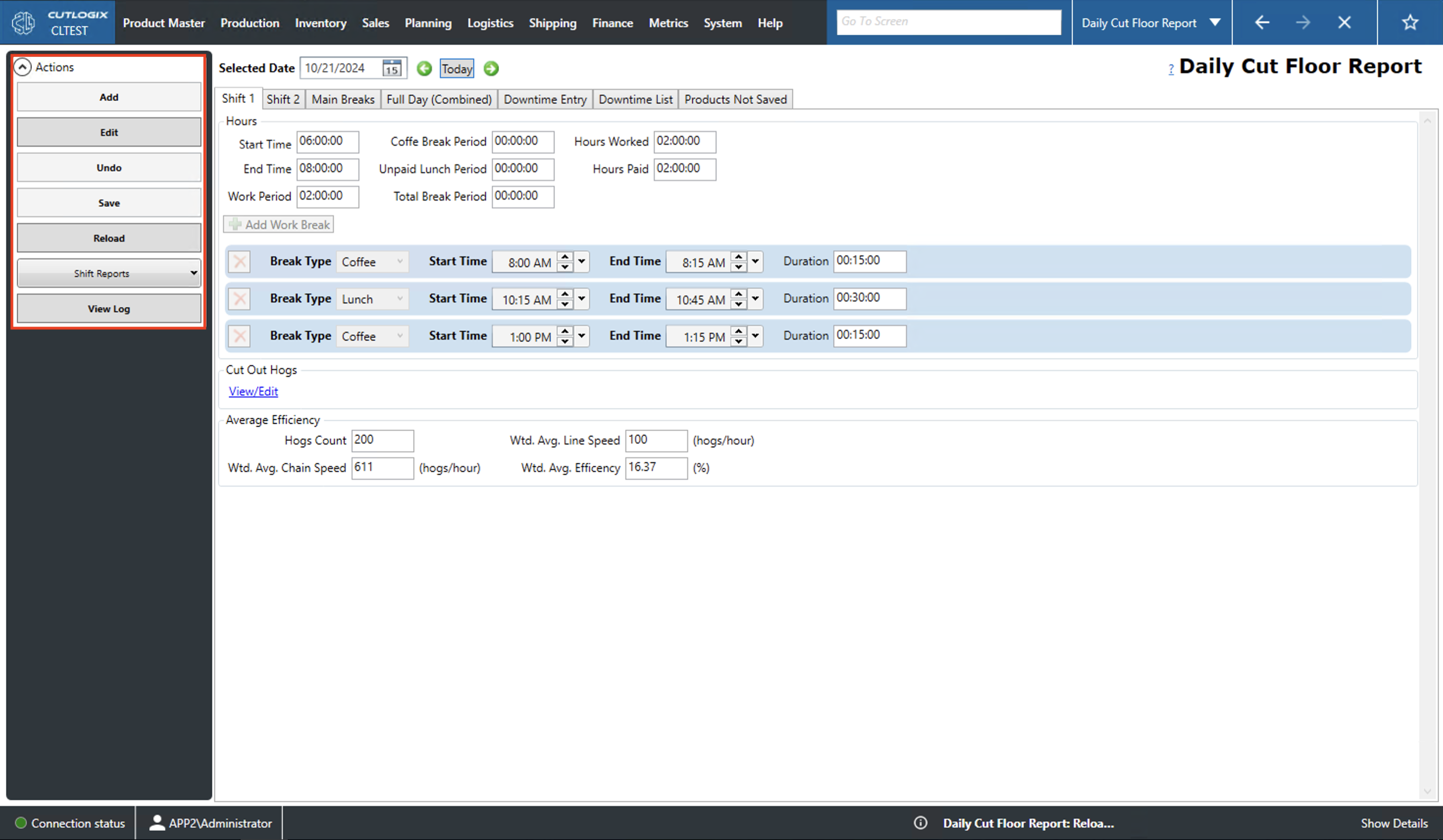
Daily Cut Report Overview
How to Navigate: Click on Production > Cut Floor > Daily Cut Floor Report
Summary
On this page where users can view and enter detailed production information for specific days on the cut floor. This information includes shift start/end times, breaks, efficiency and downtime. The information in the page's tabs will be read only until the user clicks 'Add' or 'Edit'. The fields in the tabs can then be used for data entry.
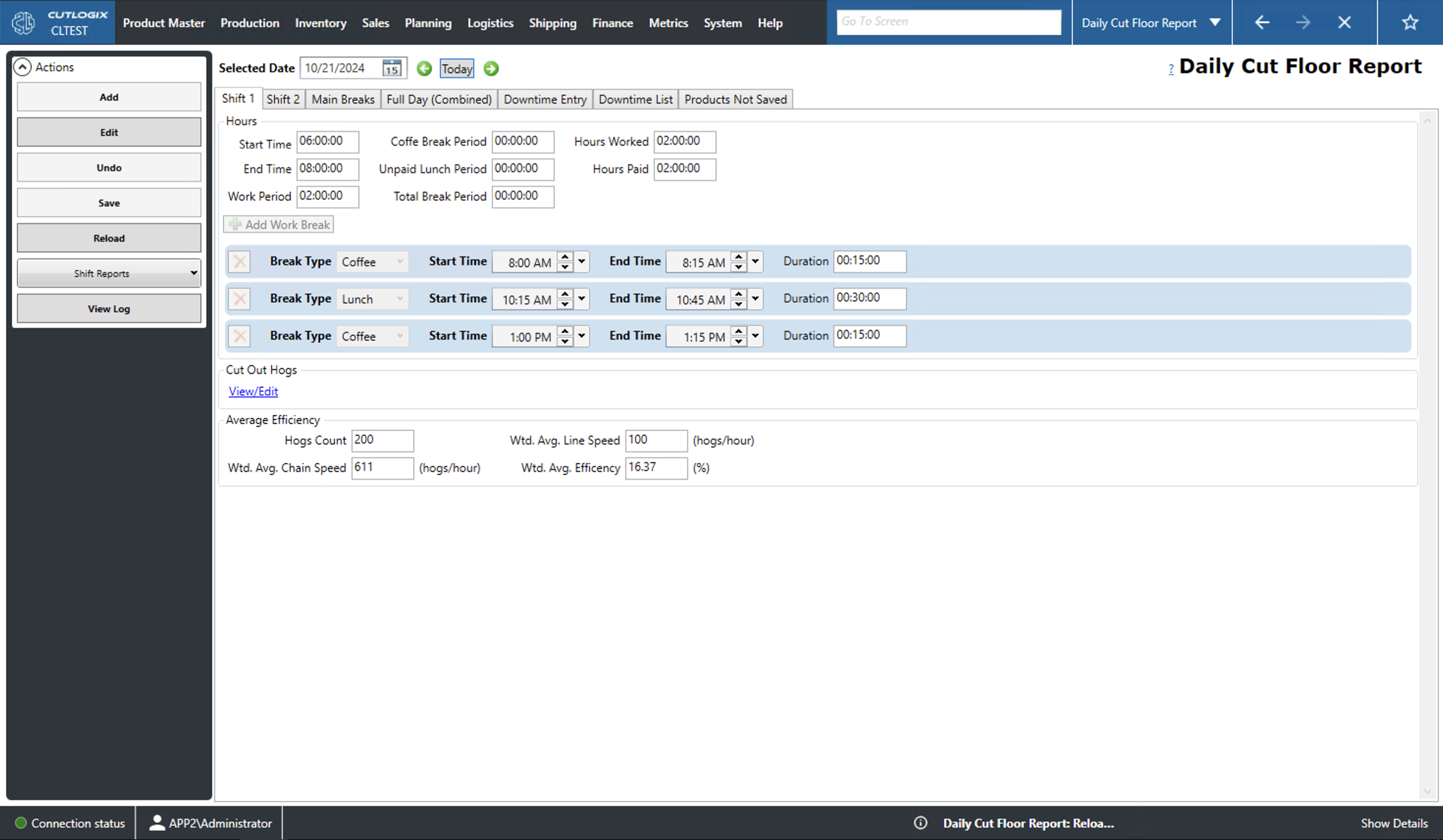
Actions
- Add/Edit: Add/edit the daily cut report for the selected day.
- Save/Undo: Save/undo all changes that have been made to the selected daily cut floor report in the current add/edit session.
- Refresh: Refresh the daily cut report displaying the most up to date data from the database.
- Reports: View a summary report for shift 1 or shift 2.
- View Log: View the change log for the currently selected cut report. This will include what was changed, by whom and when.