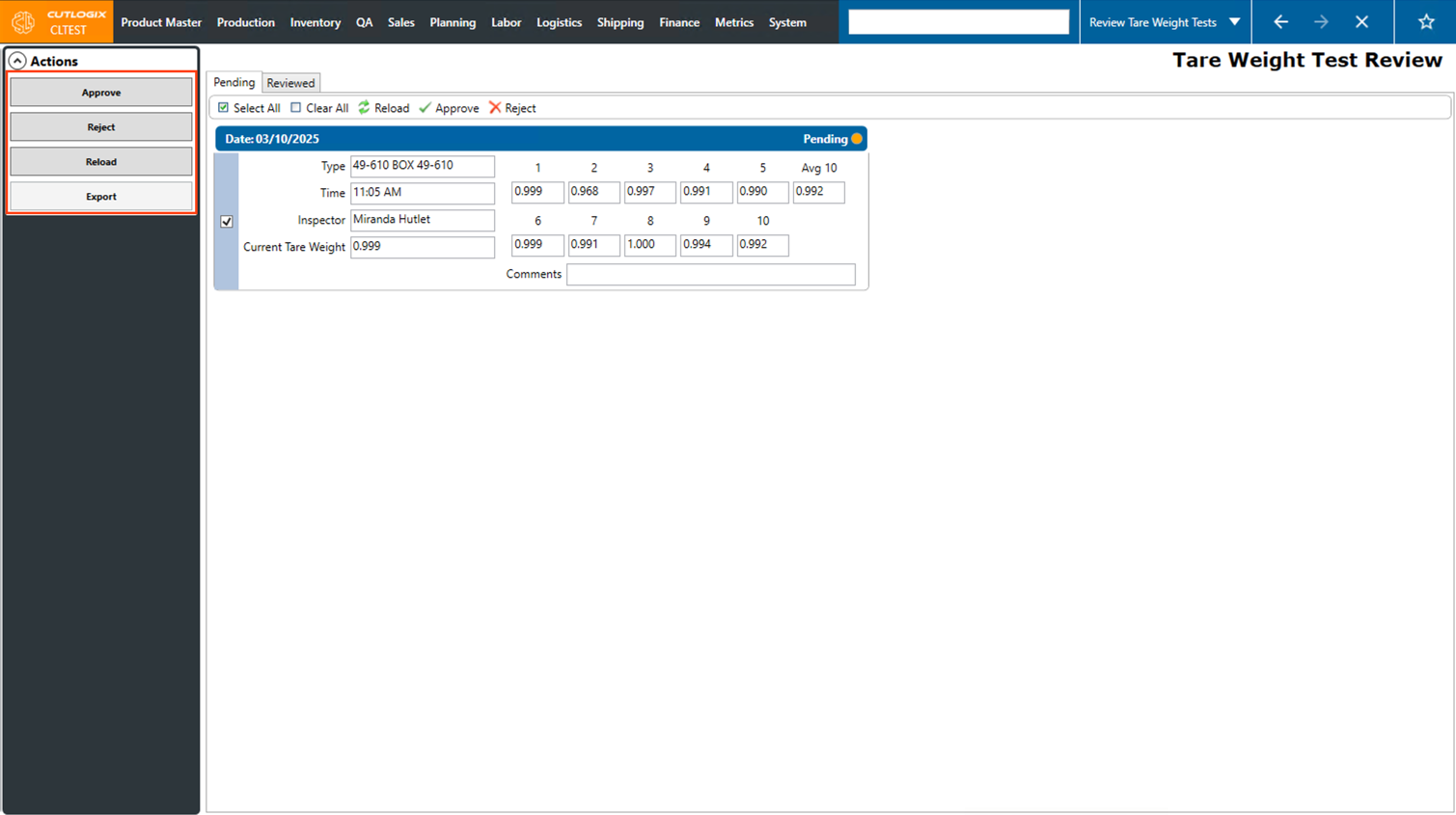
Review Tare Weight Tests Overview
How to Navigate: Click on QA > Review Tare Weight Tests Overview
Summary
Tare weight tests are typically done each time a new batch of packaging materials are opened, since the weight of these materials are not typically guaranteed by the manufacturer. This involves taking several samples of the packaging material at random from the case and capturing the tare weights in the "Tare Weight -Box" page in CutLogix mobile.
This page is where users can view the data from these tare weight tests and approve or reject them. Approving a tare weight test means that the average from the 10 samples will be replaced as the tare weight on the selected packaging material. Rejecting a tare weight test means that the average of the 10 samples will not replace the packaging materials tare weight, usually meaning the difference is not significant enough from the current tare weight to warrant a change.
This page is where users can view the data from these tare weight tests and approve or reject them. Approving a tare weight test means that the average from the 10 samples will be replaced as the tare weight on the selected packaging material. Rejecting a tare weight test means that the average of the 10 samples will not replace the packaging materials tare weight, usually meaning the difference is not significant enough from the current tare weight to warrant a change.
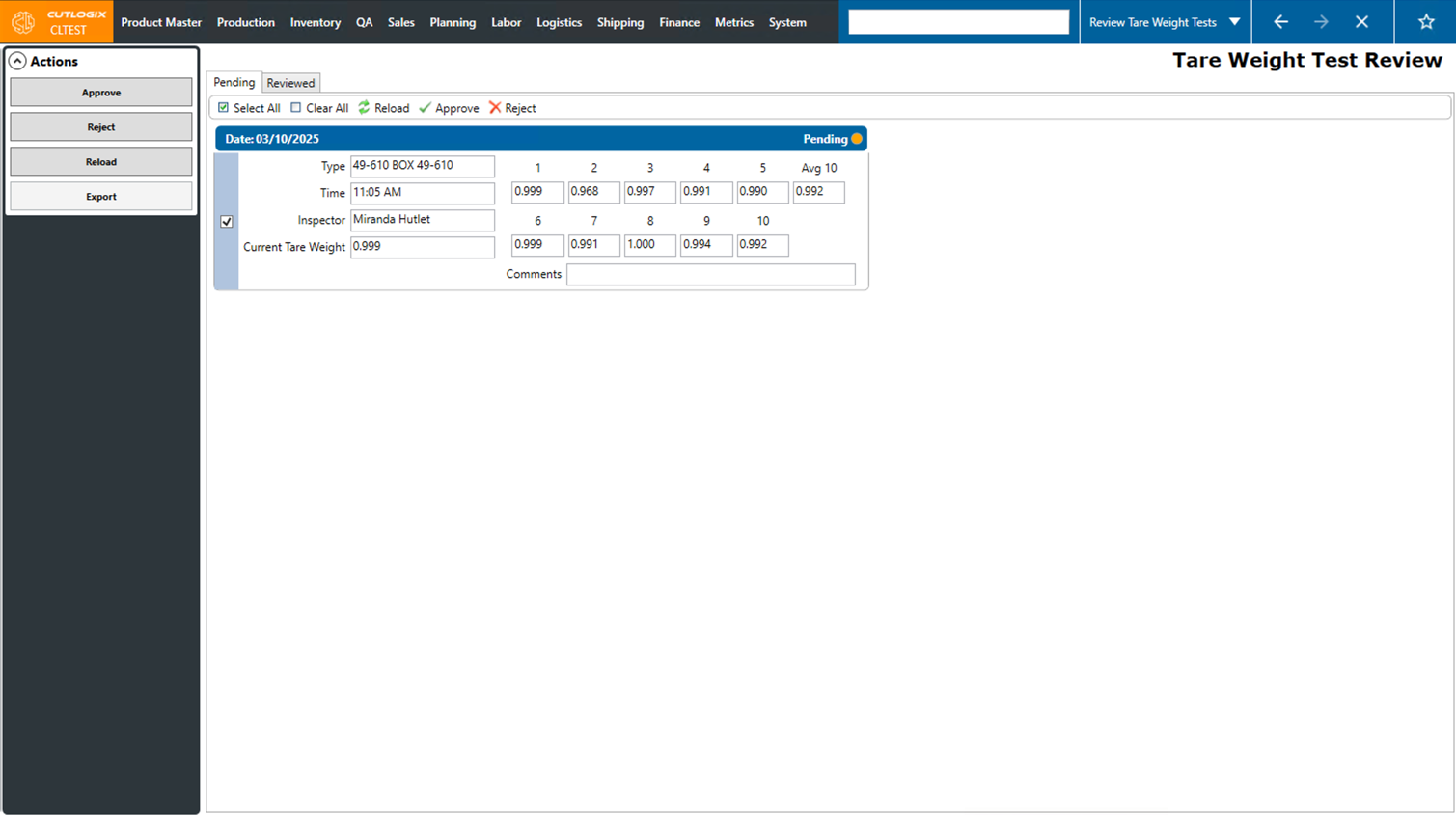
Actions
- Approve: Approve the selected tare weight tests. Packaging materials on the approved tests will have their tare weights updated to match the average weight on the test.
- Reject: Reject the currently selected tare weight tests. Tare weights on the packaging materials will not be updated.
- Reload: Reload the data on the page from the database.
- Export: Export the list of tare weight tests into an Excel spreadsheet.