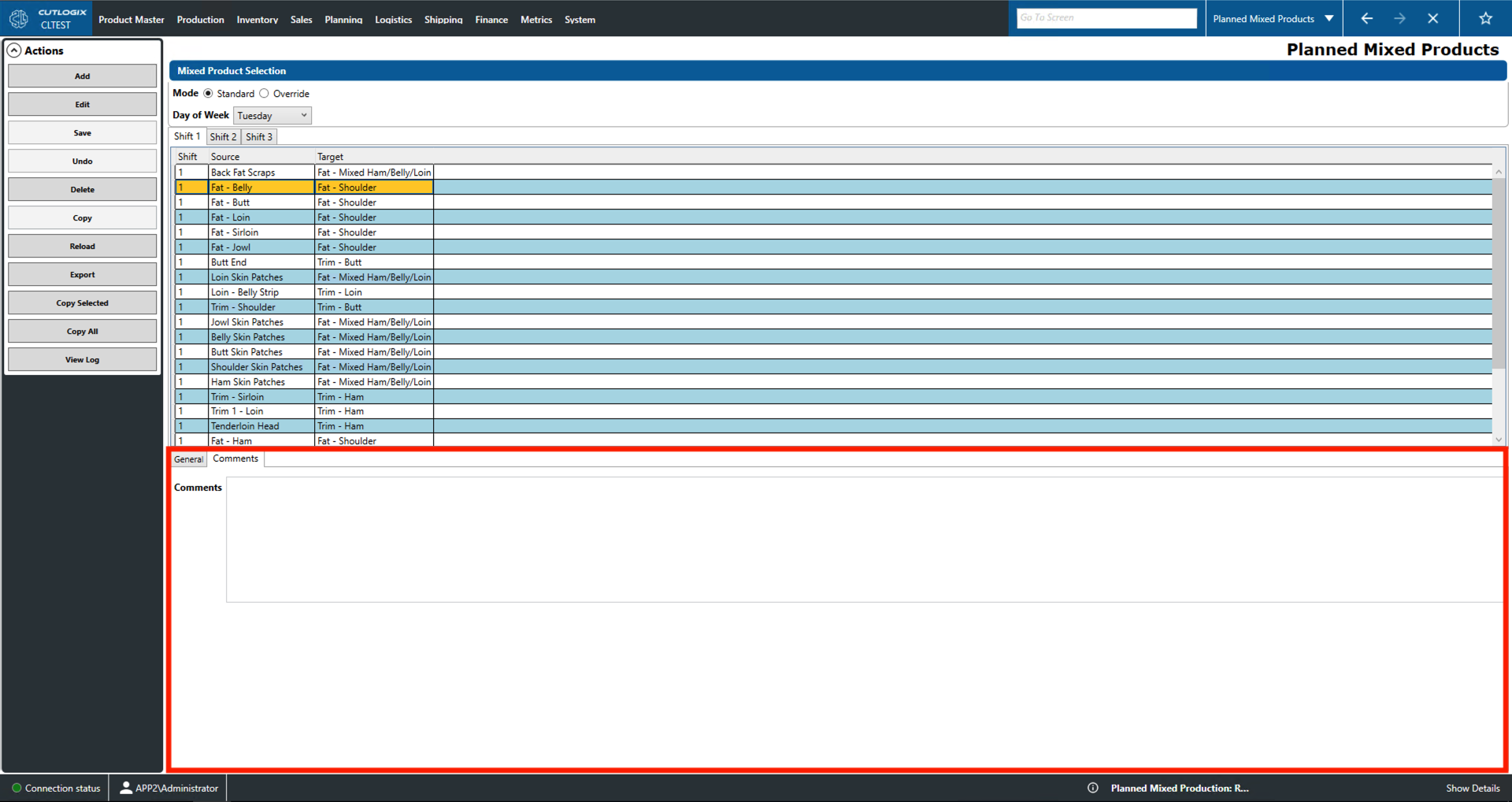
Planned Mixed Products Tabs
How to Navigate: Click on Planning > Planning Rules Config > Planned Mixed Products > Tabs
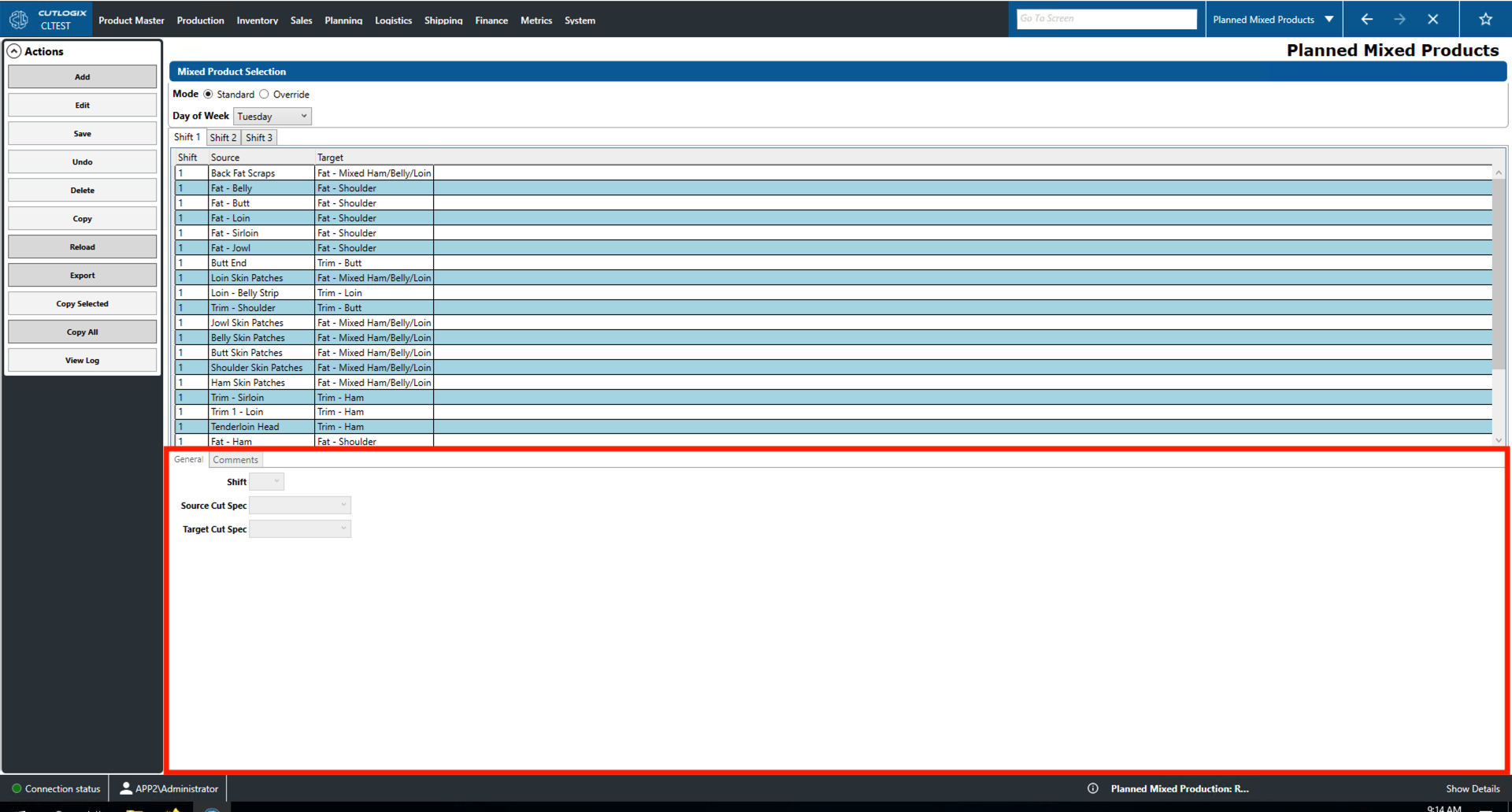
General Tab
- Shift: Indicates the shift on which the mixed product will be produced.
- Source Cut Spec: The source cut for the mixed product.
- Target Cut Spec: The cut that will be produced for sale after adding the source product.
Comments Tab
- Comments: Provides a space for comments on the currently selected mixed product.