Visual Management Overview
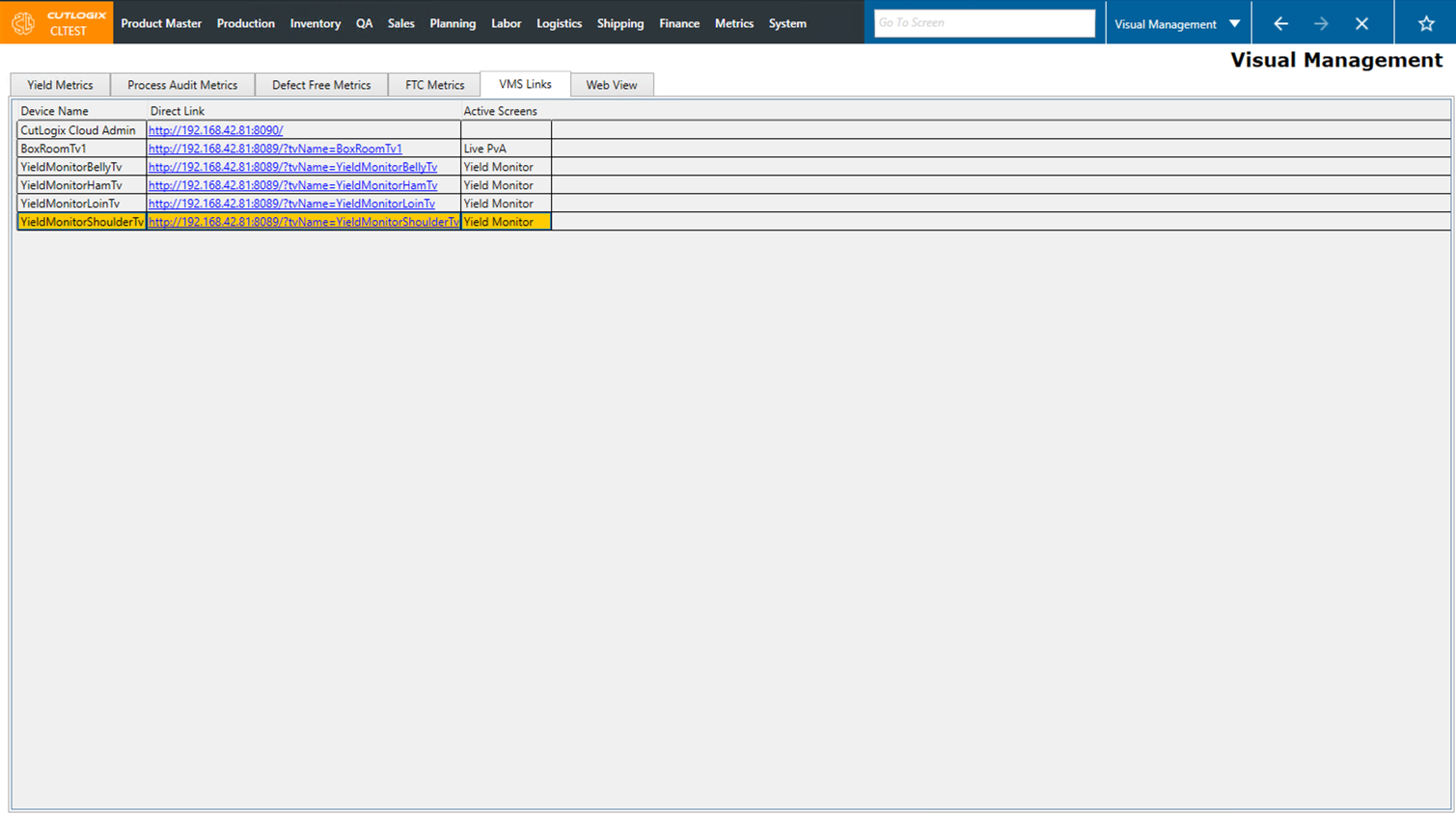
How to Navigate: Click on Production > Visual Management
Summary
This page is designed to provide links to surface live production information on displays throughout your plant.
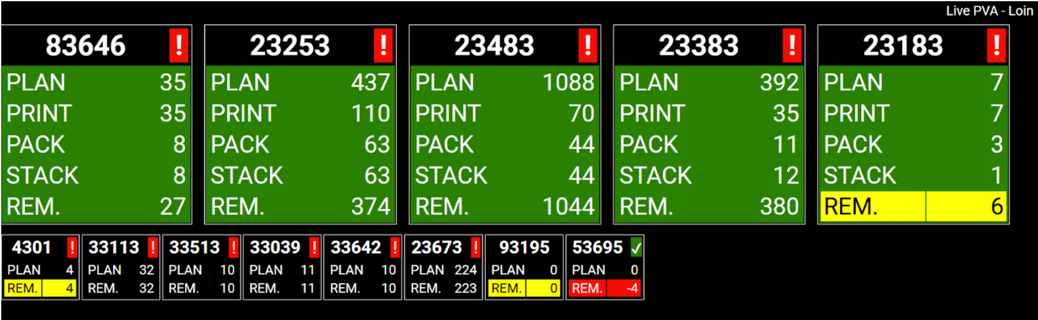
For example, the image to the right shows live PVA data that would be displayed on the loin production line of the cut floor. These displays include quick hit visual cues such as red exclamation points indicating where there's significant work left fo accomplish, when the production of that product is finished the exclamation point will change to a green check mark.
In this example the titles on this screen mean the following:
• Plan: How many of that product code have been planned.
• Print: How many of that product code have had labels printed.
• Pack: How many of that product code have been packaged.
• Stack: How many of that product code have been stacked (loaded on a pallet).
• Rem.: How many of that product code remains to be worked on. (Plan - Stack).
In this example the titles on this screen mean the following:
• Plan: How many of that product code have been planned.
• Print: How many of that product code have had labels printed.
• Pack: How many of that product code have been packaged.
• Stack: How many of that product code have been stacked (loaded on a pallet).
• Rem.: How many of that product code remains to be worked on. (Plan - Stack).