FX Rate Tasks
How to View Information about Past and Present FX Rates
Demo
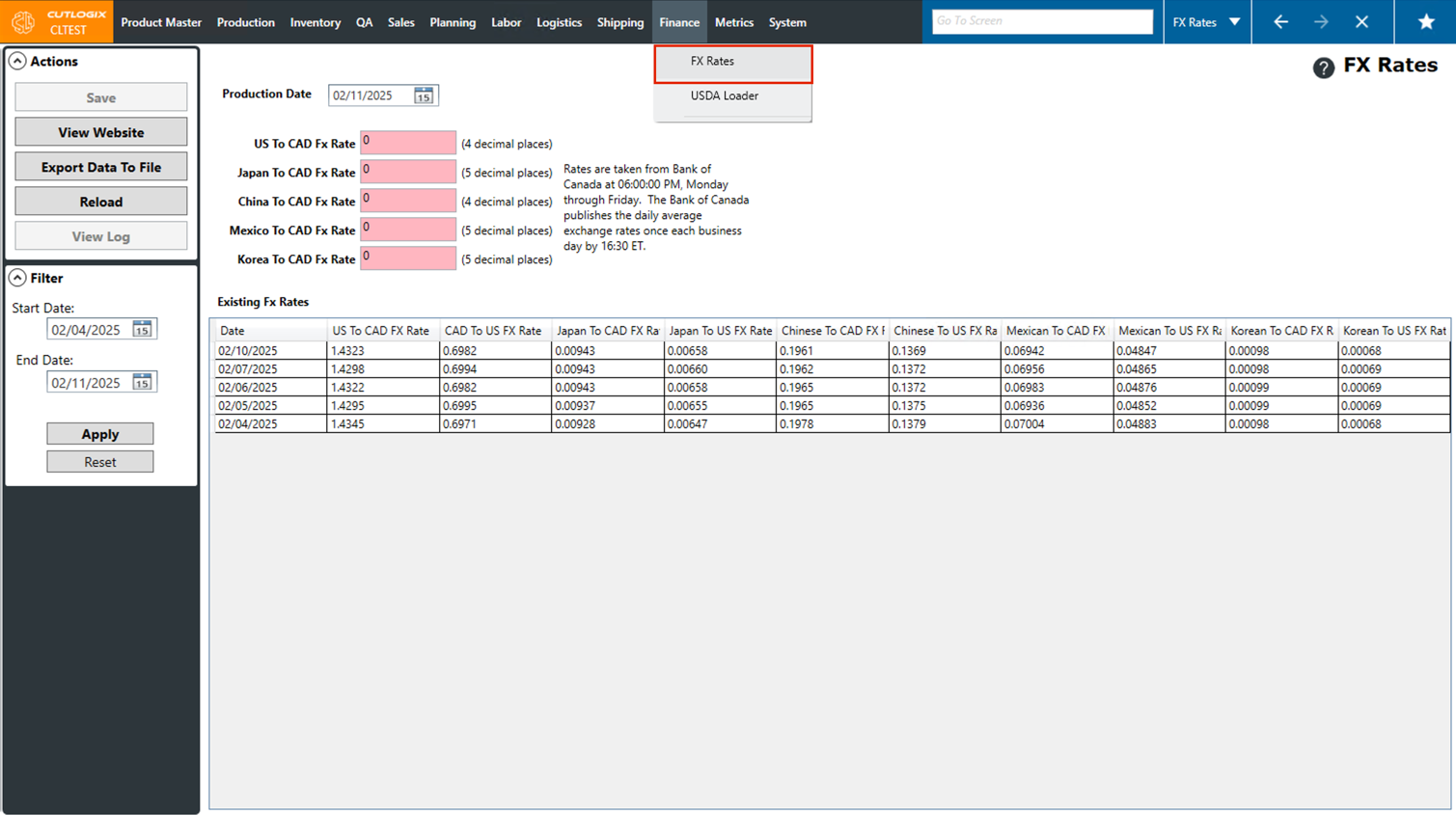
Step 1: Navigate to the "FX Rates" page (Under the Finance menu → FX Rates).
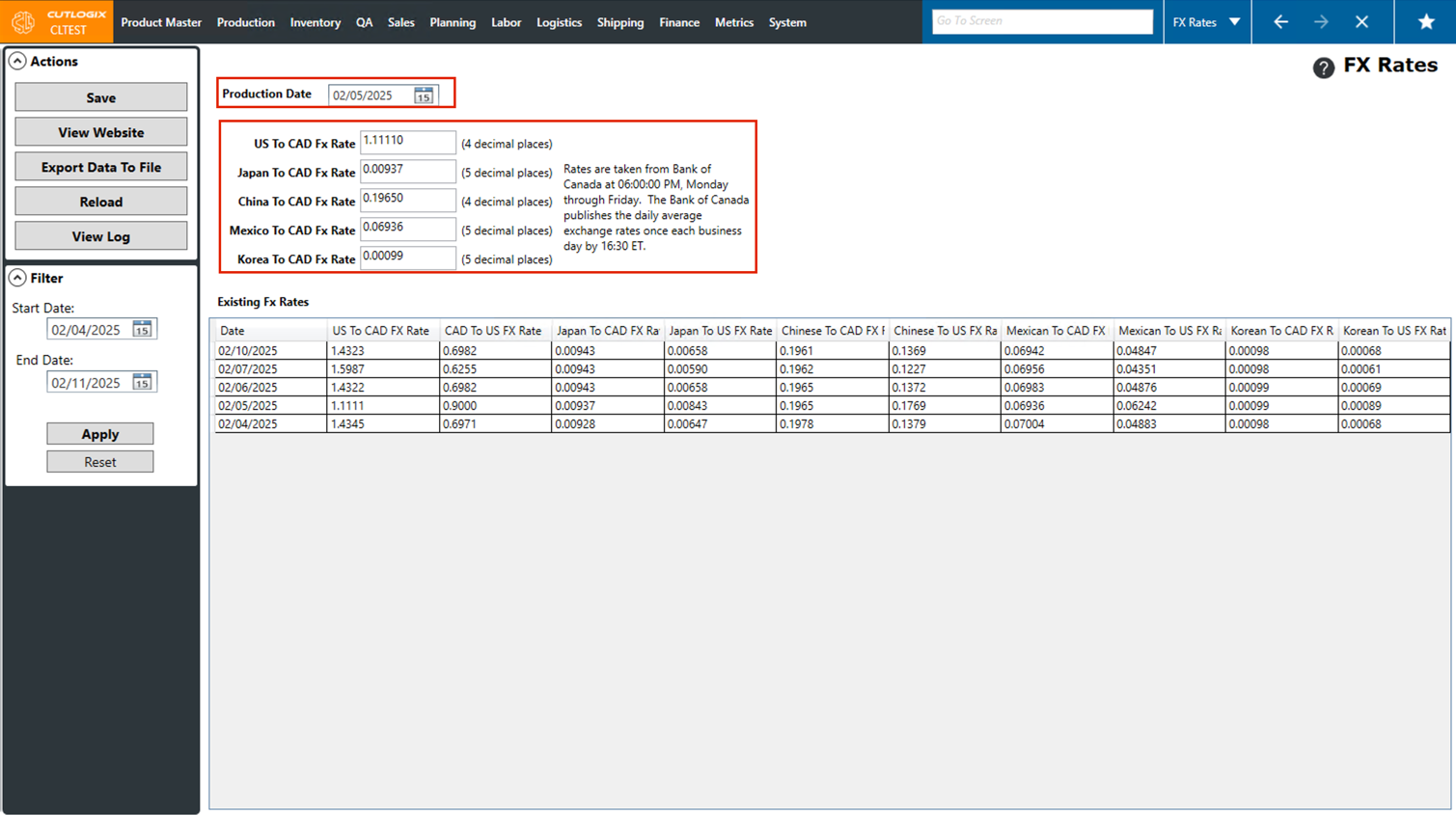
Step 2: By default, the "Production Date" will be set to the current day and the fx rates shown in the fields below will be the fx rates for the set production date. Changing the production date to a day in the past (using the datepicker, accessible by clicking on the calendar icon) will show the fx rates for that day if they are in CutLogix.
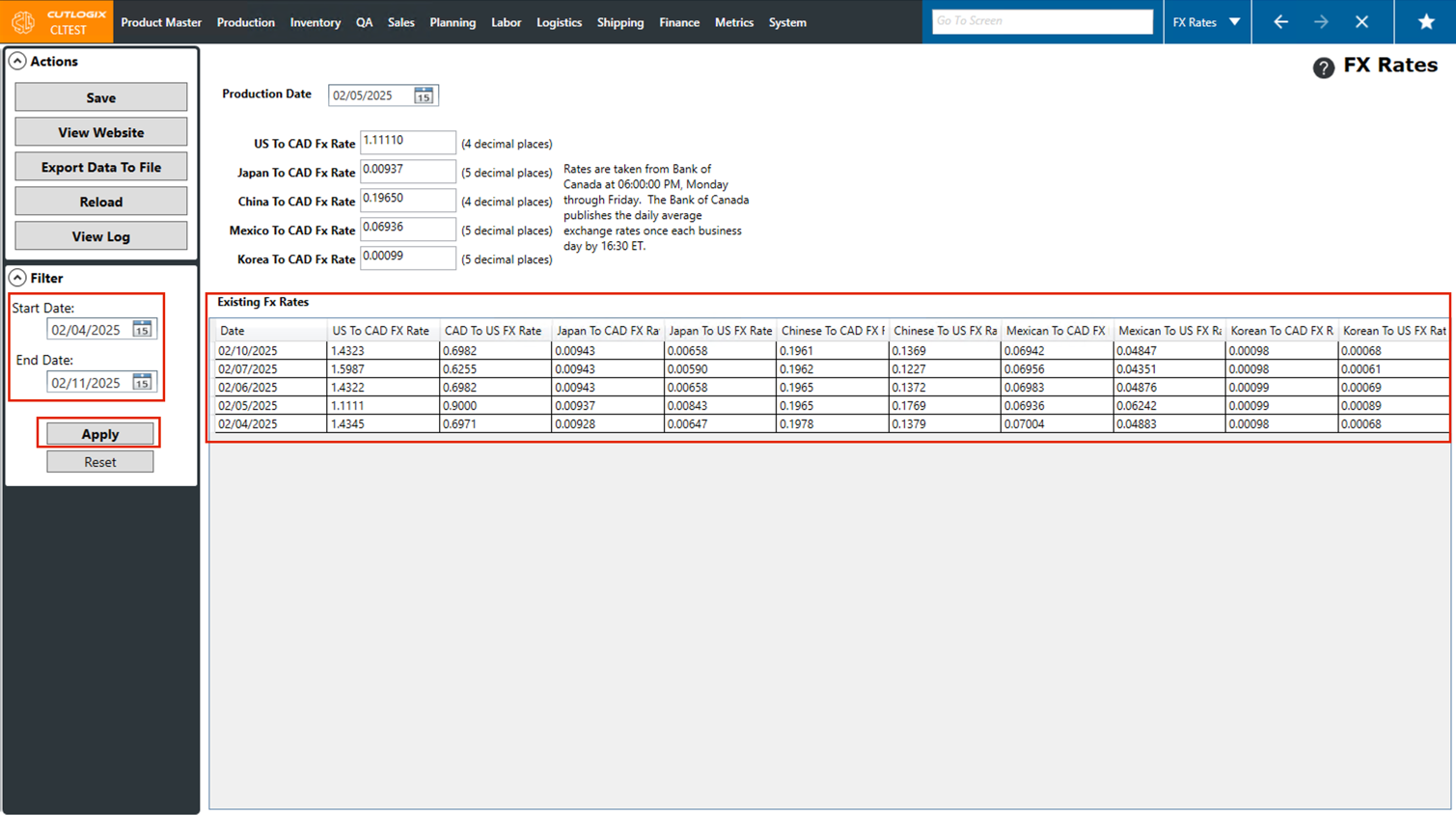
Step 3: You can also use the "Start Date" and "End Date" fields in the Filter panel to view multiple fx rates at once. This can be done by clicking on the calendar icon beside them and using the calendar to choose the appropriate dates, then clicking "Apply". All the fx rates that CutLogix has within the set date range will appear in the "Existing FX Rates" table below.