Daily Kill Report Tabs
How to Navigate: Click on Production > Kill Floor > Daily Kill Floor Report > Tabs
Shift Tabs
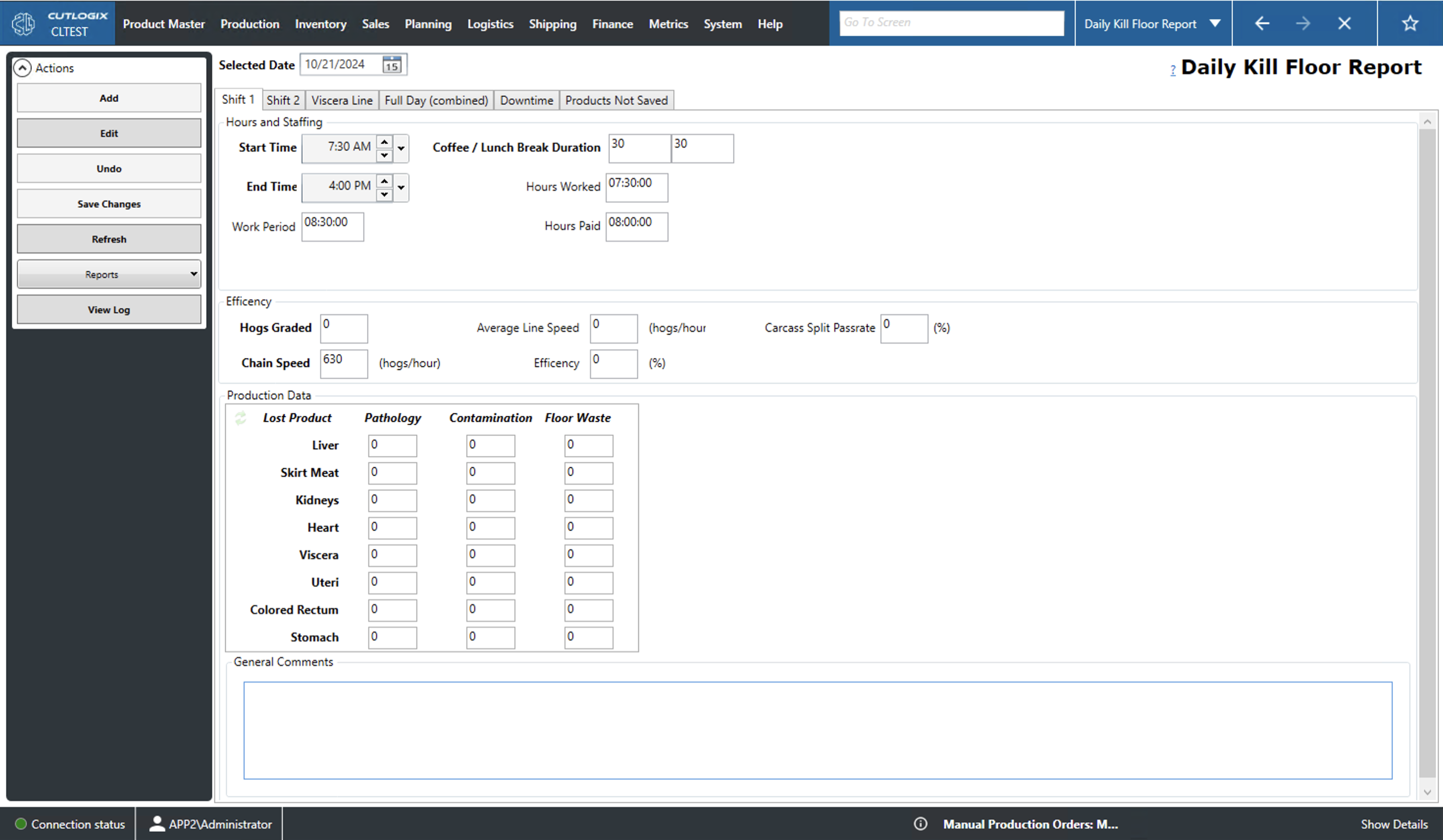
The Shift 1 and Shift 2 tabs display kill information specific to the selected shift on the selected day.
- Hours and Staffing:
- Start Time: The time of day that the shift started.
- End Time: The time of day that the shift ended.
- Work Period: The duration of the shift calculated from the start and end times.
- Coffee / Lunch Break Duration: The two input fields, from left to right, specify the total amount of time allocated to coffee and lunch breaks respectively on the shift.
- Hours Worked: The number of hours worked on the selected shift. This amount is calculated based on the total work period minus the coffee and lunch break duration.
- Hours Paid: The number of hours paid for staff. This is calculated as the work period minus the total lunch break duration.
- Efficiency:
- Hogs Graded: The number of hogs graded over the total shift.
- Chain Speed: The number of hogs per hour that are being processed.
- Average Line Speed: The calculated average line speed in hogs per hour.
- Efficiency: The calculated efficiency of the selected shift. This is calculated as the average line speed (ALS) divided by the chain speed (CS).
- Carcass Split Passrate: Input field for entering the passrate for splitting the carcass in two.
- General Comments: A space for comments on the selected shift and date.
CS = 18, ALS = 14, 14/18=0.78 or 78% efficiency
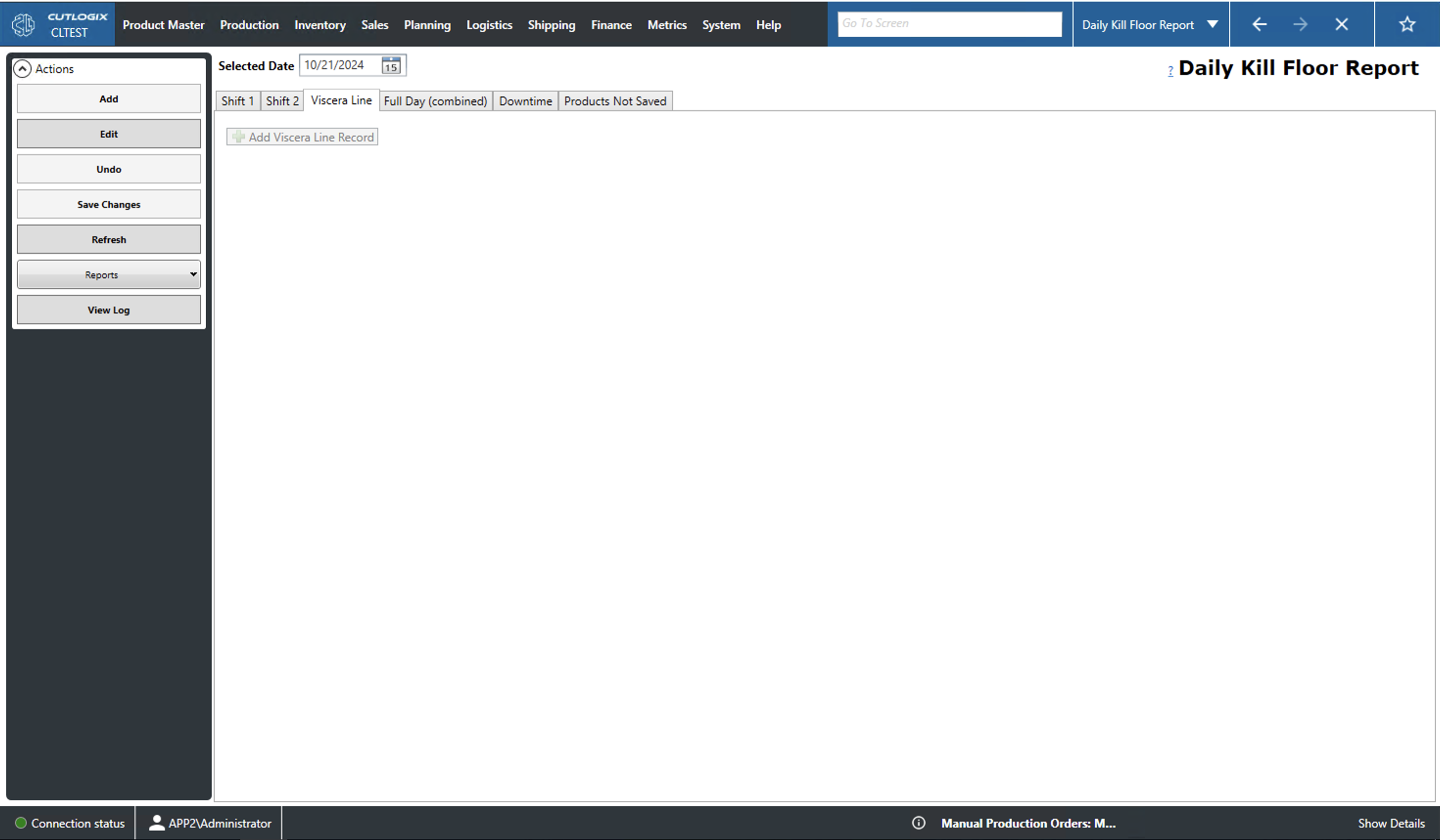
Viscera Line
- Start/End Time: The start/end time for that line record.
- Accum. Hog Count: The cumulative hog count for all line records up to the current record.
- Chain Speed: The chain speed in hogs per hour.
- Shift: The shift the line record corresponds to.
- Break Time: The duration of time on the current line record that overlaps with a break time.
- Hours Worked: The total number of hours worked for the line record.
- Lost Time (min): The calculated number of minutes lost based on the expected hog count for that record.
- Avg. Line Speed: The calculated average line speed for the current record.
- Efficiency: The calculated efficiency for the current record displayed as a percentage.
- Hog Count: The total hog count for the current record.
- Expected Hog Count: The expected hog count for the current record. This is calculated based on the chain speed and hours worked.
Full Day Combined Tab
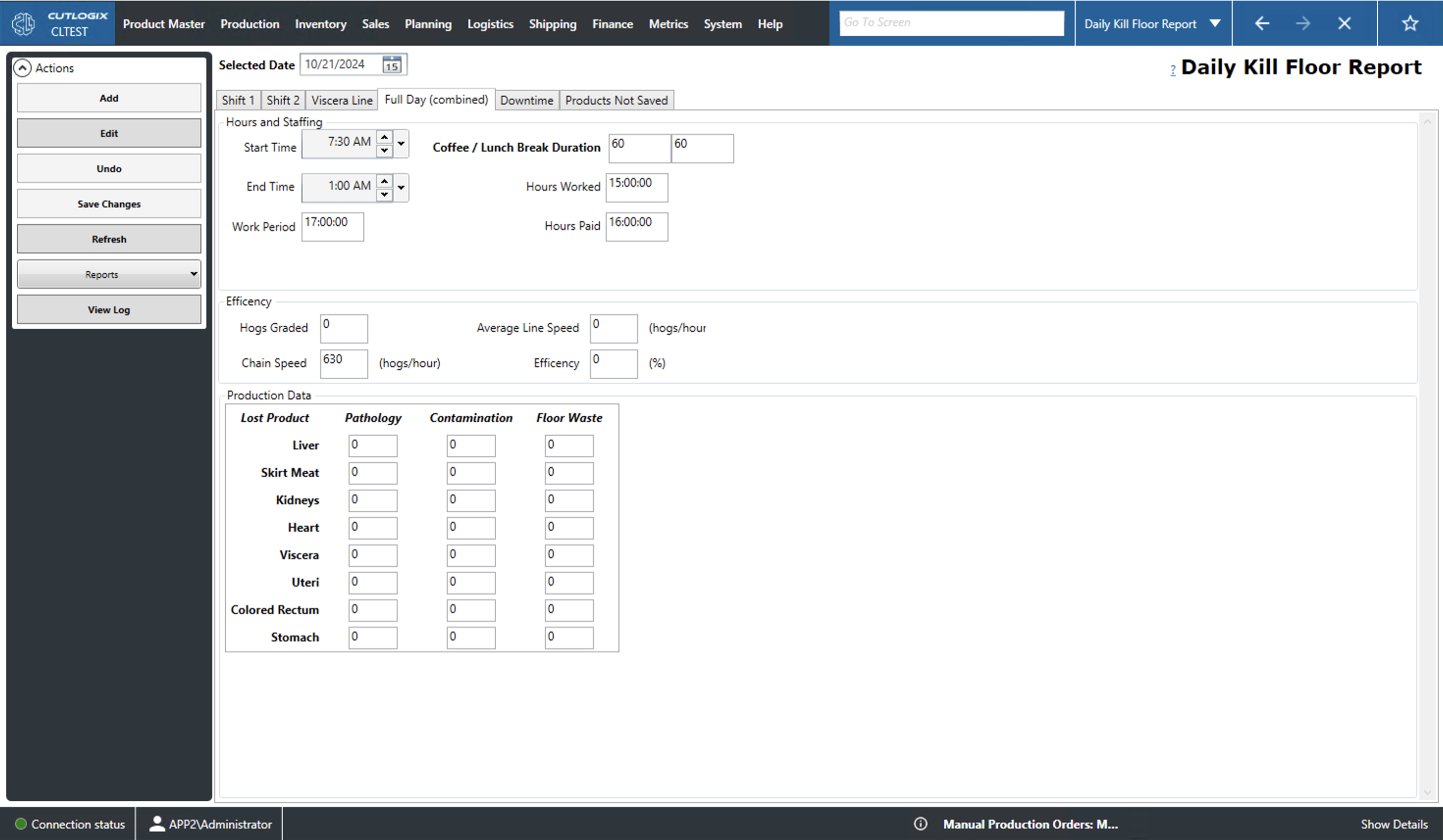
This tab displays data for all shifts combined.
- Hours and Staffing:
- Start/End Time: The time of day that the day started/ended.
- Work Period: The calculated work period duration of the day (this is calculated based on the start and end times on the first and last shifts).
- Coffee / Lunch Break Duration: The duration of all coffee and lunch breaks over all shifts throughout the day.
- Hours Worked: The number of hours worked over all shifts throughout the day.
- Hours Paid: The number of hours paid to staff throughout the day. This is calculated based on the total work period minus lunch break.
- Efficiency:
- Hogs Graded: The number of hogs graded over all shifts throughout the day.
- Chain Speed: The number of hogs per hour that were processed.
- Average Line Speed: The calculated average line speed in hogs per hour over all shifts.
- Efficiency: The calculated efficiency of the selected shift. This is calculated as the average line speed (ALS) divided by the chain speed (CS) (i.e. CS = 18, ALS = 14, 14/18=0.78 or 78% efficiency).
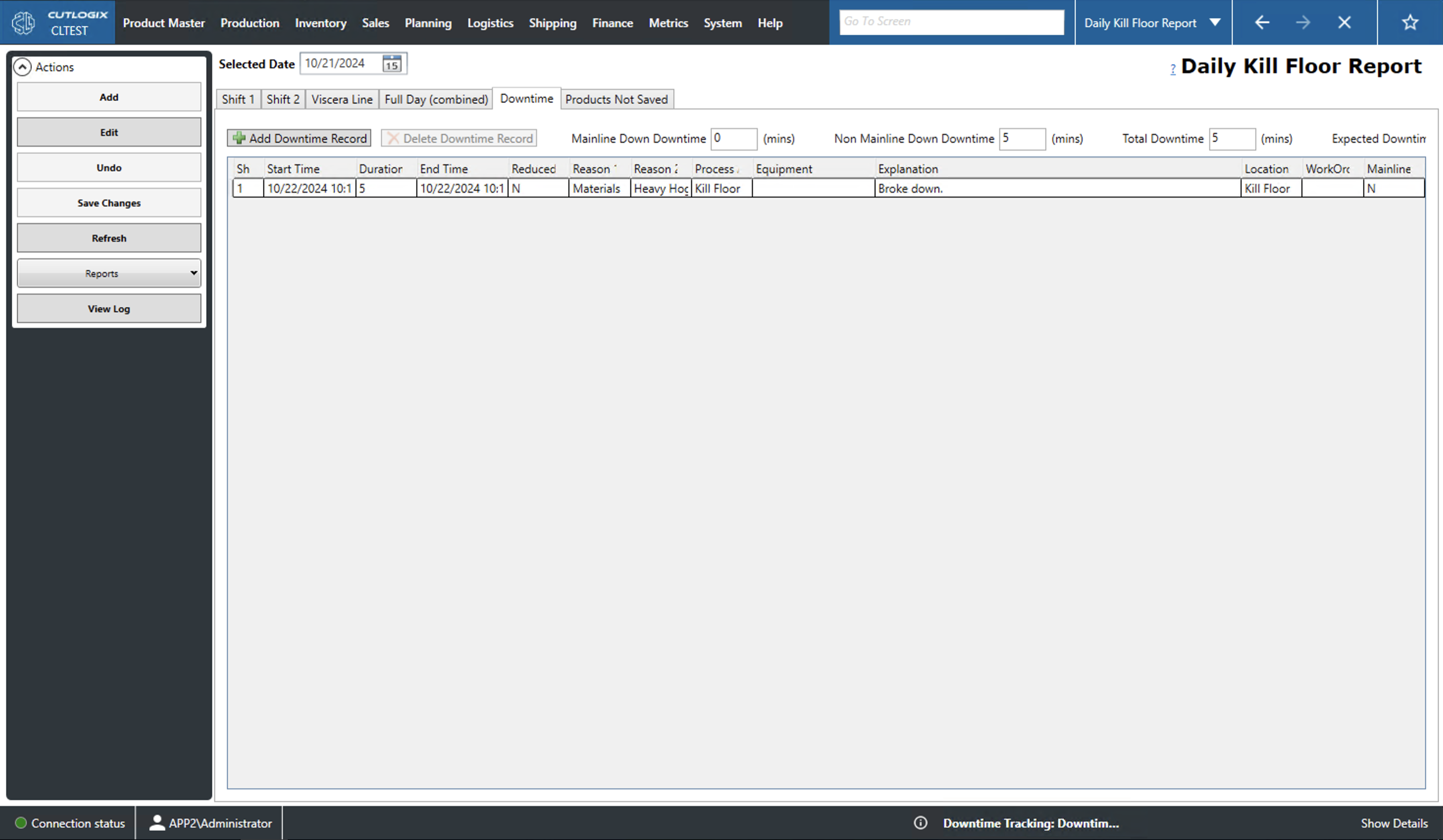
Downtime Tab
- Production Date: The production date of the downtime record. This is automatically populated based on the selected date on the daily kill report.
- Start/End Time: The start/end time of the downtime. The end time is calculated based on the start time and the duration of the downtime.
- Duration: The duration, in mins, that the downtime lasted.
- Shift: The shift that the downtime occurred on.
- Reason 1: The primary reason for the downtime. This must be selected from the dropdown list.
- Reason 2: The secondary reason for the downtime. This must be selected from the dropdown list, that is populated based on the selected primary reason.
- Mainline Down: This indicates if the mainline was down during this downtime.
- Reduced Speed: This indicates if reduced speed occurred during this downtime.
- Location: The location that the downtime occurred. This will automatically be set to "Kill Floor".
- Process Area: The process area where the downtime occurred. This must be selected from the dropdown list.
- Equipment: The equipment that was associated with the downtime. This must be selected from the dropdown list of equipment.
- Explanation: This is where an explanation/comment can be entered to explain the downtime.
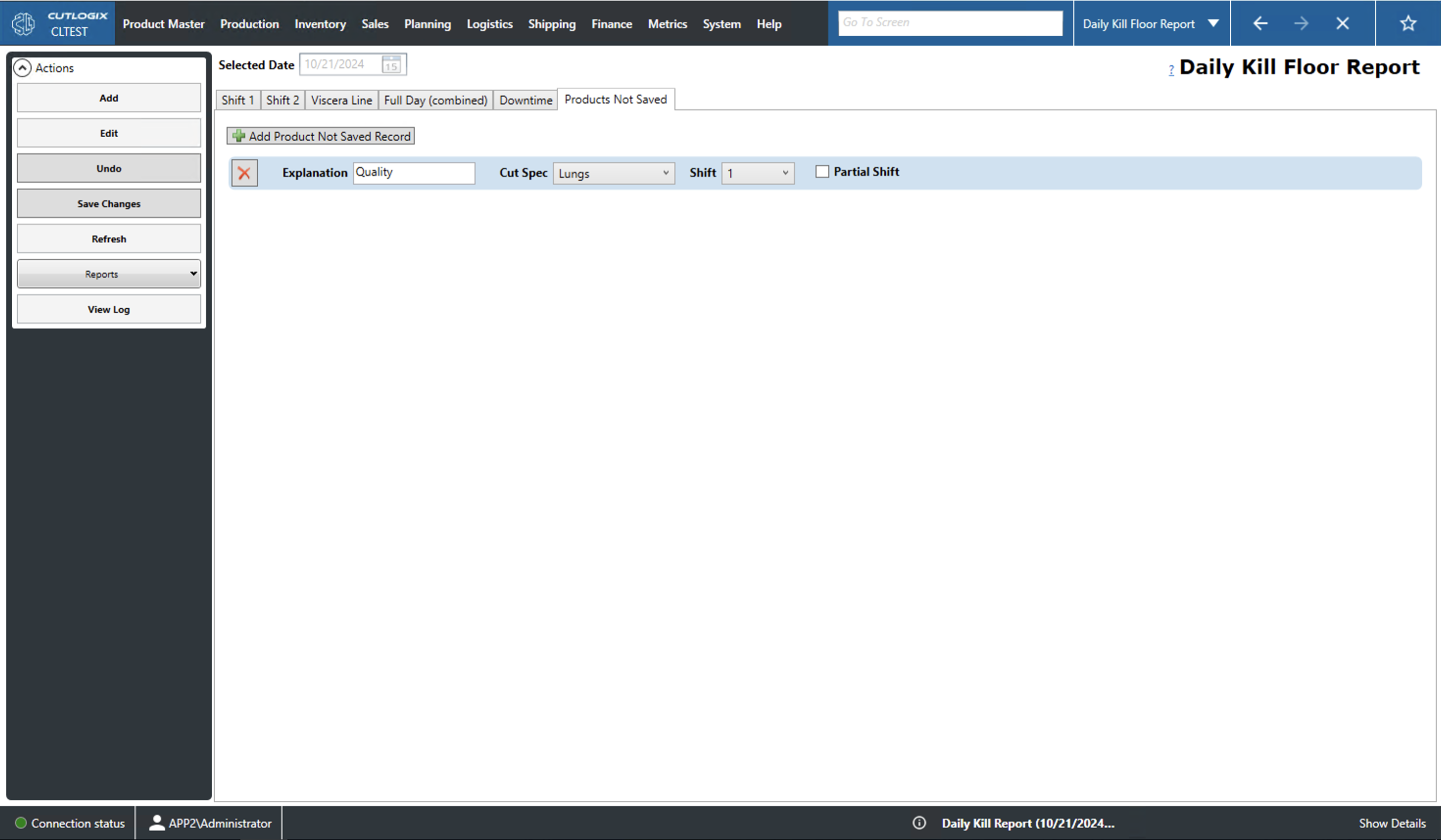
Products Not Saved
- Explanation: The explanation/comment for why the product was not saved.
- Cut Spec: The cut spec of the product that was not saved. This must be selected from the dropdown list of cut specs.
- Shift: The shift that the product was not saved on.
- Partial Shift: This checkbox indicates if the product was not saved for only part of the selected shift.