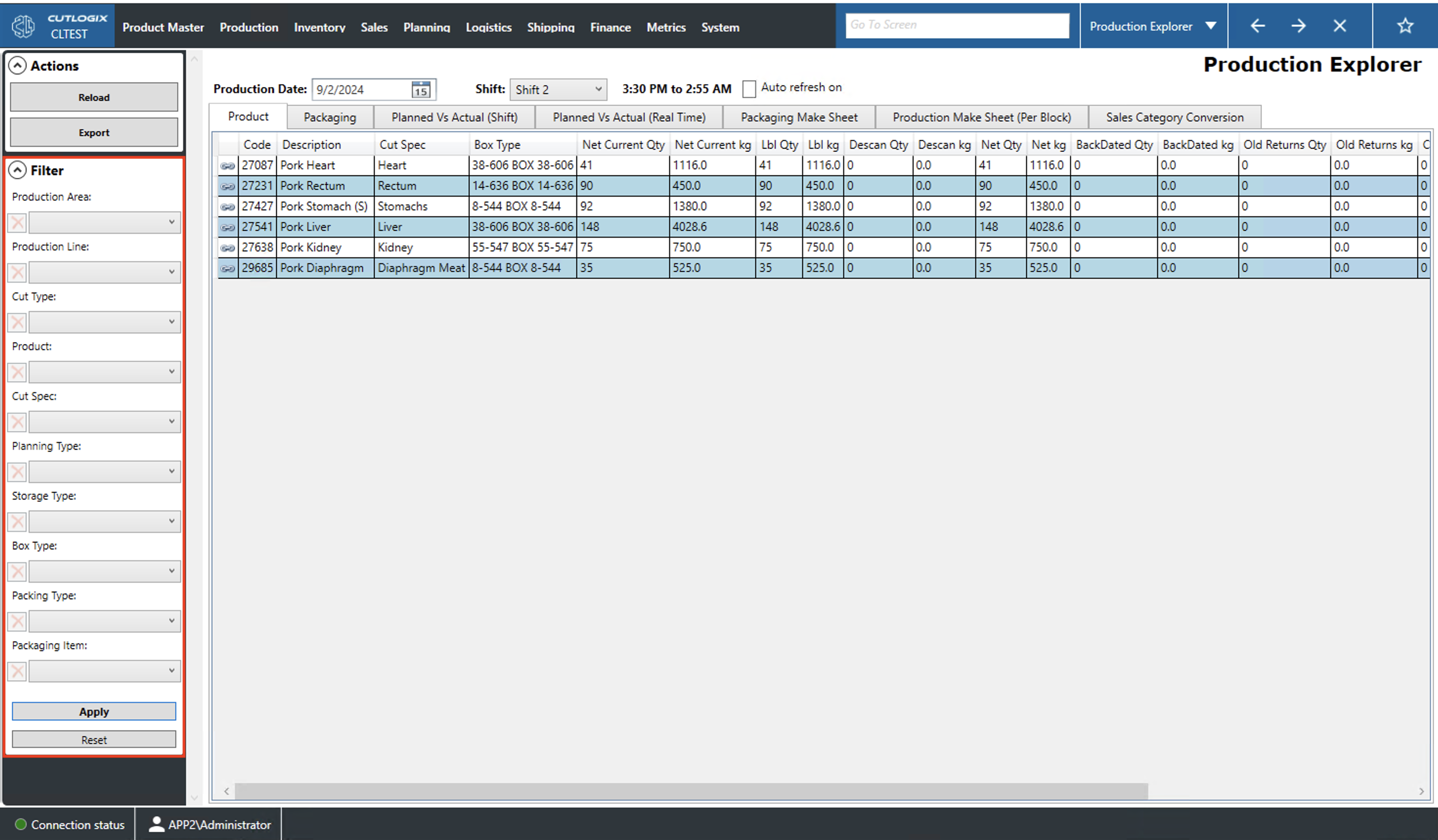
Production Explorer Overview
How to Navigate: Production > Production Explorer
Summary
The tabs on this page provide insights into what was produced on the specified day and shift. This information includes what products were made, packaging materials used, and how production compared to the production plan for the day.
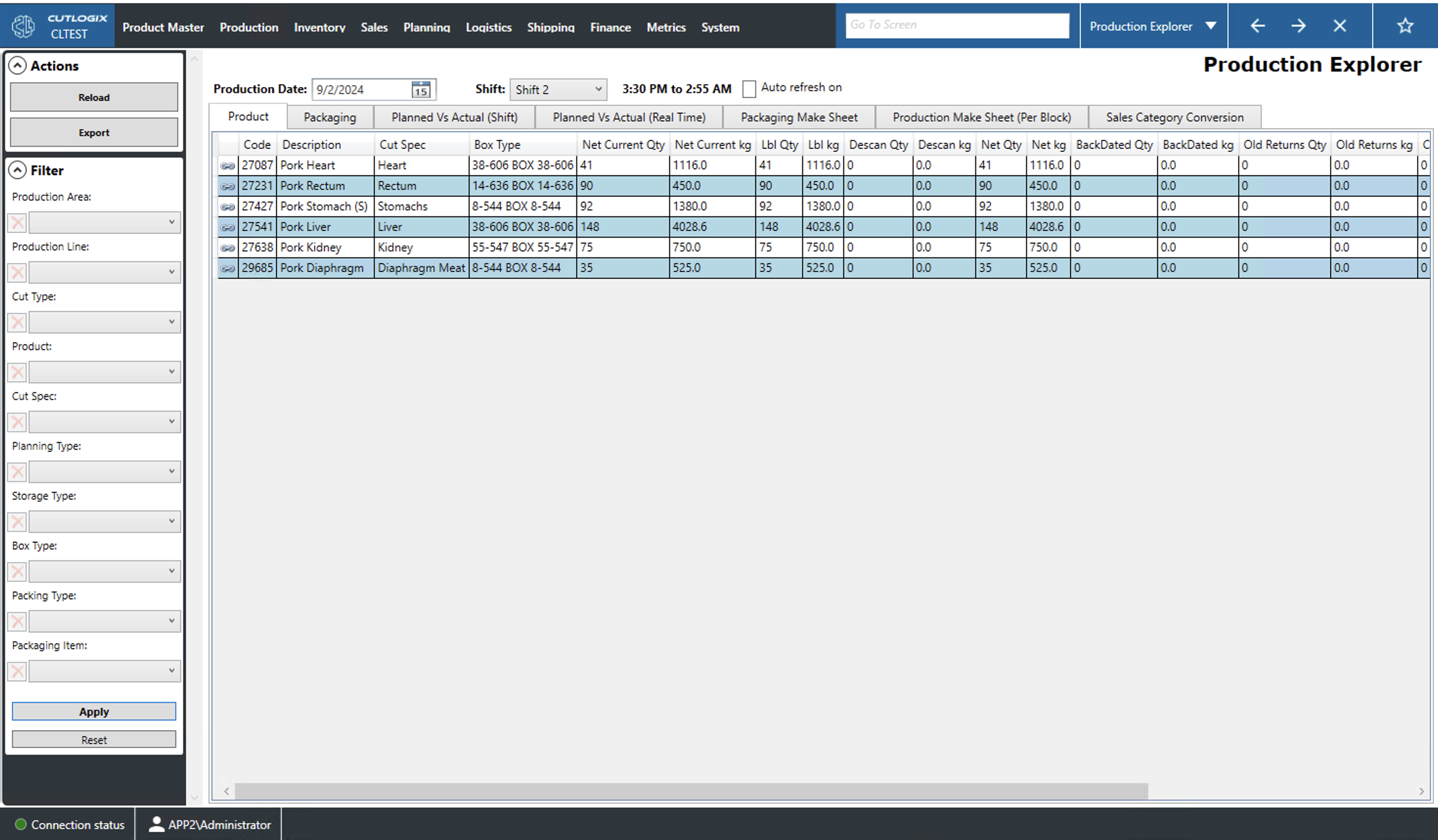
Actions
- Reload: This will reload the page with the most up to date data from the database.
- Export: This will allow the user save the production data from the current date locally as a .xlsx file.
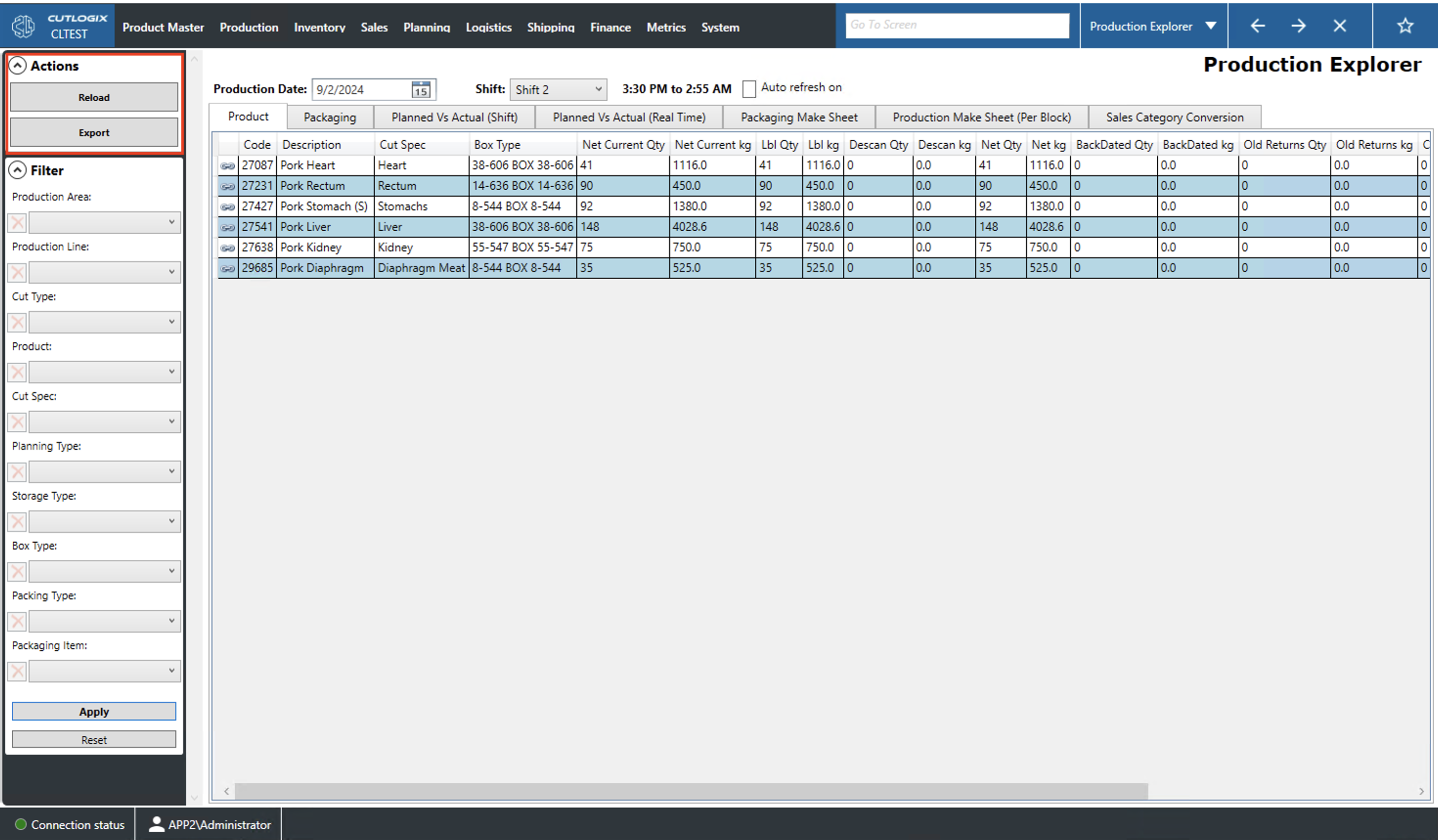
Filter
- Production Area: Filters the list by the plant's production area (kill, cut, etc.).
- Production Line: Filters the list by a specific production line (shoulder, belly, ham, loin, etc.).
- Cut Type: Filter the list to specific cut types (carcass, primal, sub-primal, credit, etc.).
- Product: Filter the list to specific products.
- Cut Spec: Filter the list to specific cut specifications (cut specs).
- Planning Type: Filter by the product's type in the planning system (Ham, Ham Knuckle, Loin, Belly, Shoulder, etc.).
- Storage Type: Filter by storage type (i.e. Fresh, Chilled or Frozen).
- Box Type: Filter by the type of box the product is packaged in.
- Packing Type: Filters by how the product is packaged (i.e. bulk, individually wrapped pack (IWP), Cyrovac, etc.).
- Packaging Type: Filter to products that use the selected packaging item.
- Apply: This action will reload the list with the current filters applied.
- Reset: This action will reset the filters and reload the list to an unfiltered state.