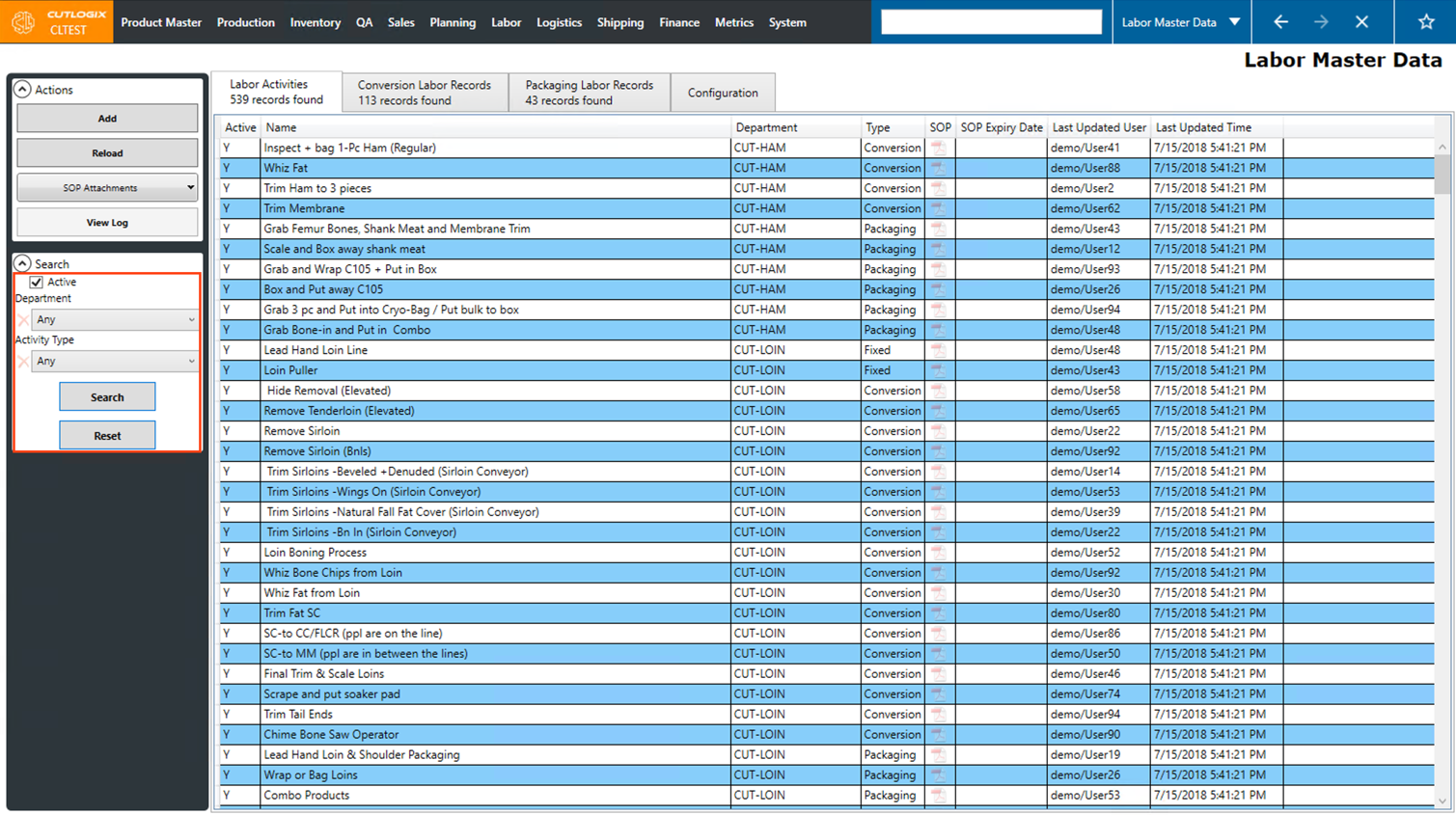
Labor Master Data
How to Navigate: Click on Labor > Labor Master Data
Summary
This page defines and displays all labor activities involved in running your production floor. Activities are not equivalent to a "job", they just define different tasks that are done in the plant. Multiple activities could fall within one job. Conversion activities involve fabricating product by hand and can vary depending on the product spec. Fixed activities are always happening on the production floor regardless of what products are being made (Ex. Loin Puller). Lastly, Packaging activities involve preparing products for boxing or combos.
These labor activities are used in conversion labor records to define exactly what tasks need to be completed to convert a starting cut spec to a target cut spec as well as in packaging labor records to define what tasks need to be completed to get the product in its packaging.
Using the target line speed in the configuration tab and entering these labor activities and conversion labor and packaging labor records enables CutLogix to calculate how much standard process labor will be required for each labor record.
These labor activities are used in conversion labor records to define exactly what tasks need to be completed to convert a starting cut spec to a target cut spec as well as in packaging labor records to define what tasks need to be completed to get the product in its packaging.
Using the target line speed in the configuration tab and entering these labor activities and conversion labor and packaging labor records enables CutLogix to calculate how much standard process labor will be required for each labor record.
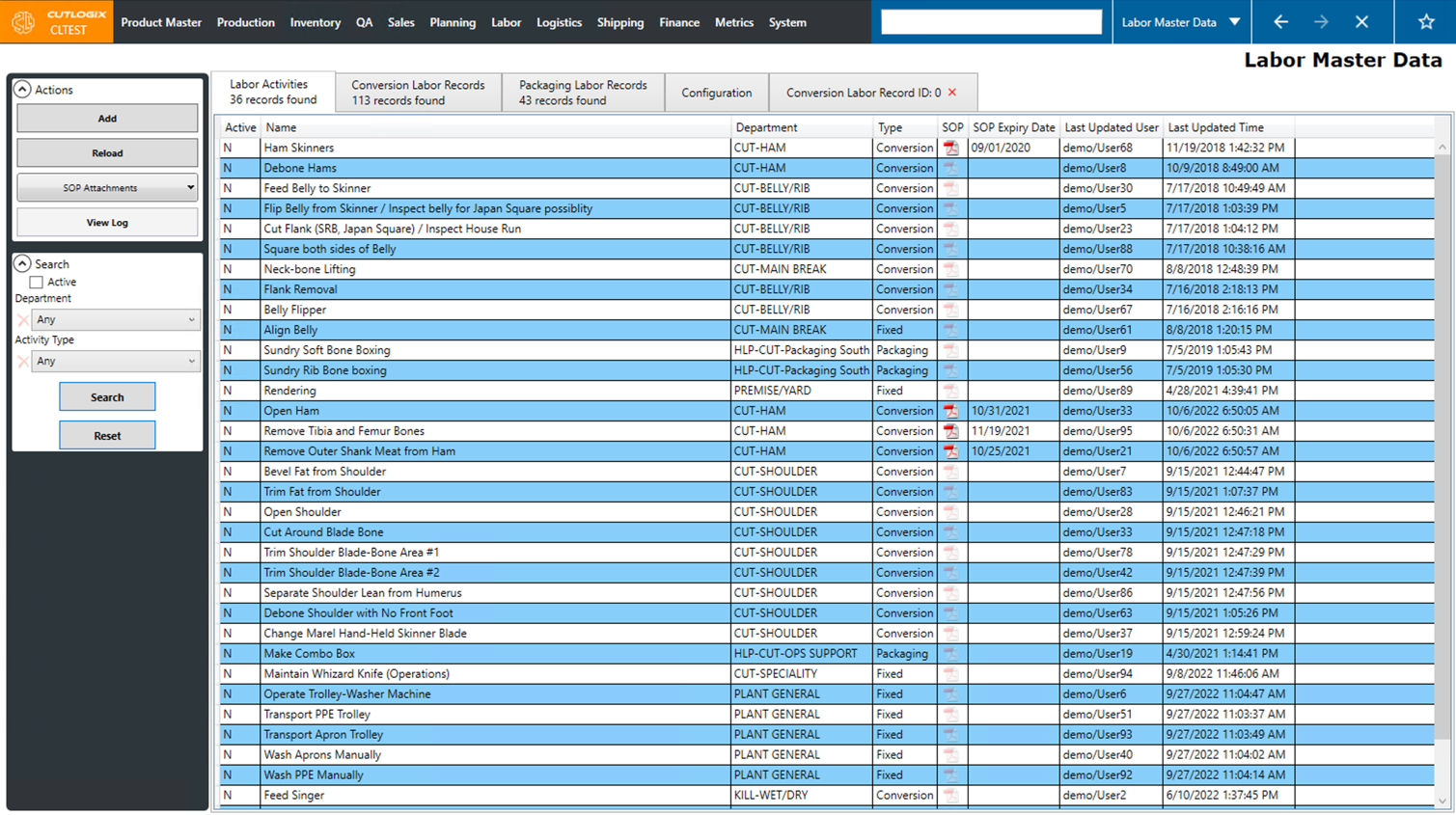
Actions
- Add: Add a new labor activity.
- Reload: Reload the list of certificates displaying the most up-to-date version of the data from the database.
- SOP Attachments: Attach or remove an SOP document from the selected record.
- View Log: View the change log for the selected labor activity.
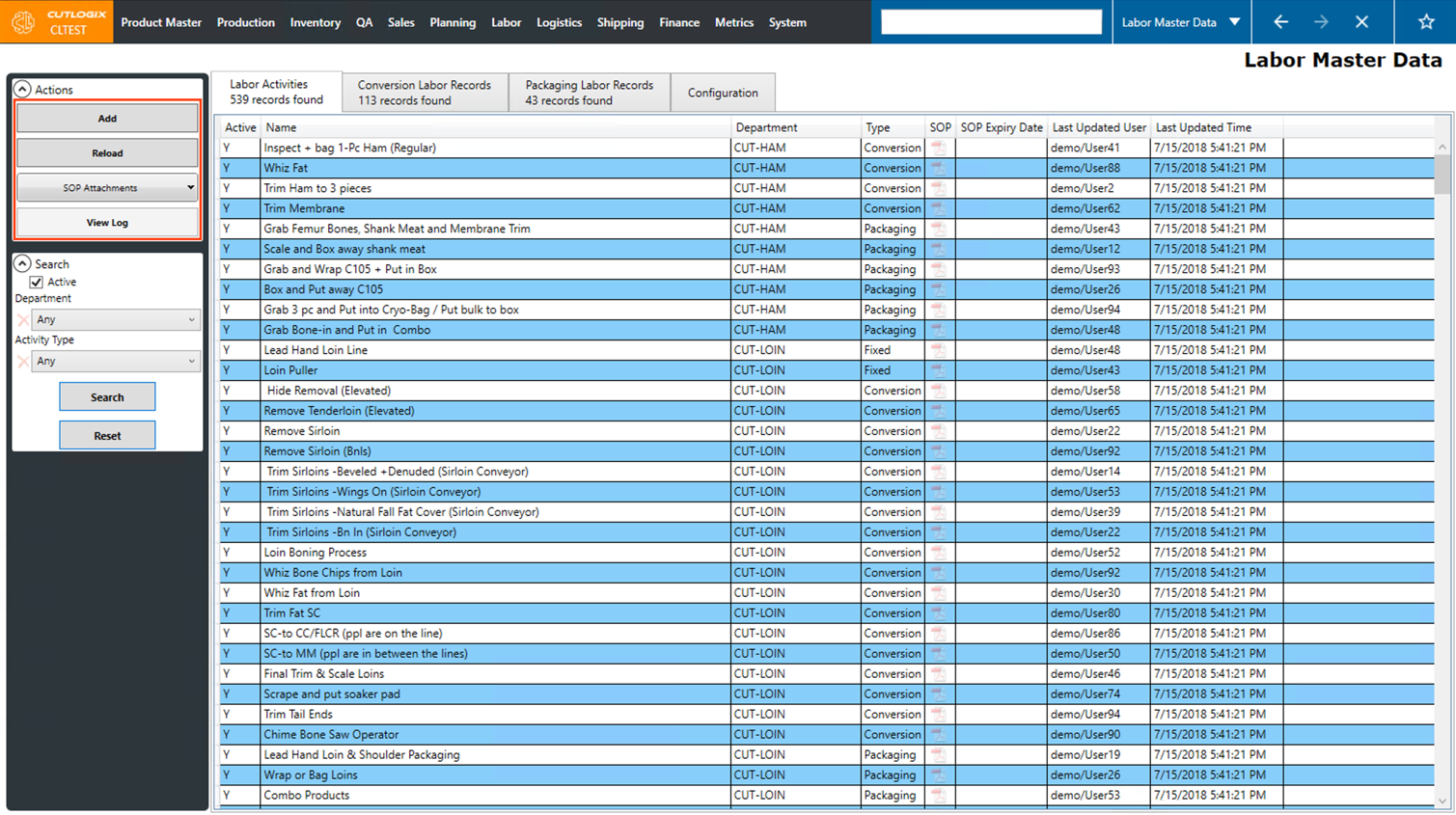
Filter
- Active: If selected, only active records will appear in the table.
- Department: Using this drop-down list, you can choose a department to filter the list of activities by.
- Activity Type: Using this drop-down list, you can choose an activity type to filter the list by. (Fixed, Conversion or Packaging)
- Search: Clicking this refreshes the list of records shown and filters them according to the specified filters.
- Reset: This will reset all filters and reload the list to an unfiltered state.