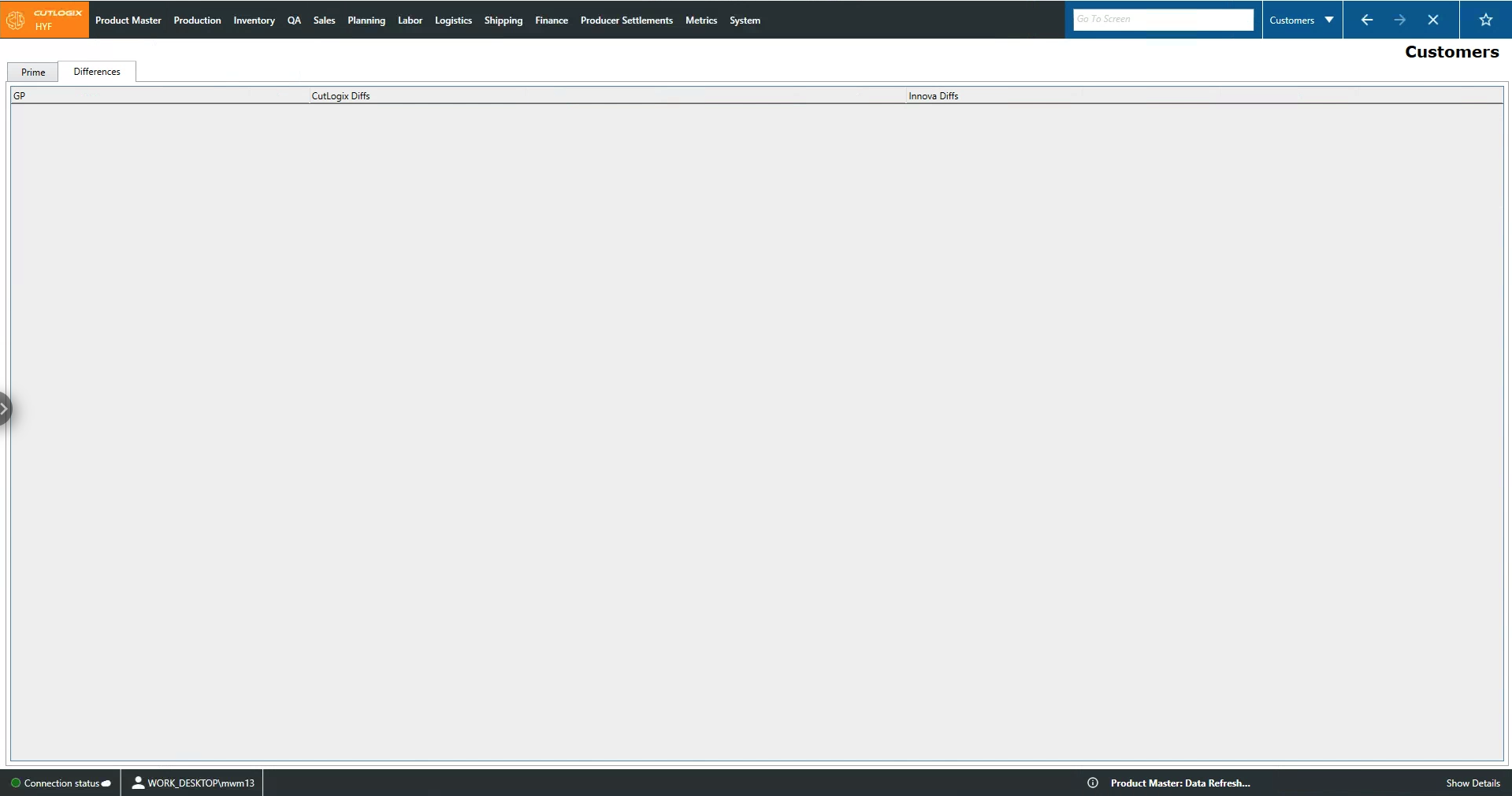
Customers Tabs
How to Navigate: Click on Sales > Customers > Tabs
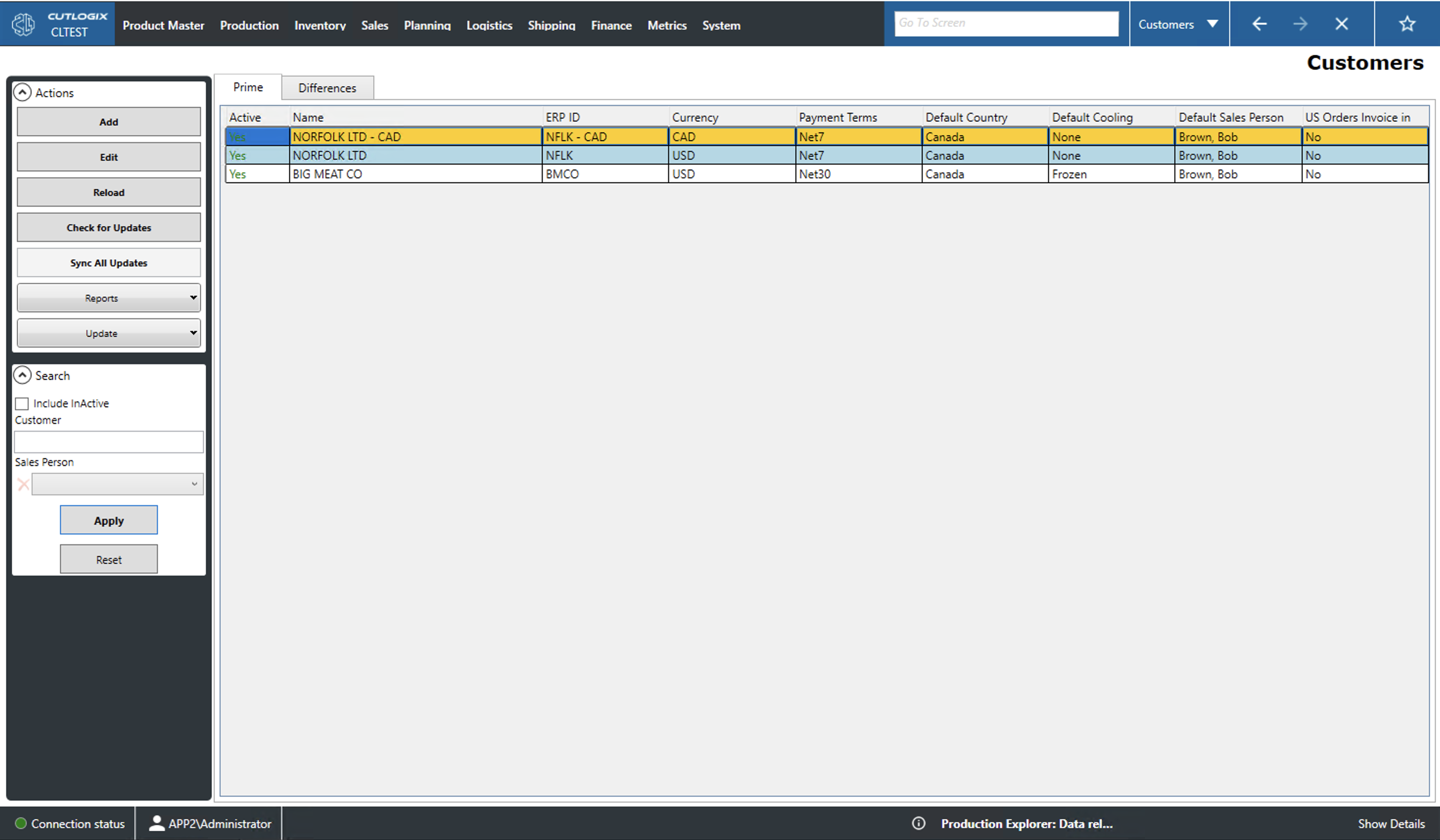
Prime Tab
- Active: Indicates whether the customer is actively being sold to or not.
- Name: A name/description of the customer.
- ERP ID: The customer's id in the Enterprise Resource Planning (ERP) software.
- Currency: The currency the customer pays in.
- Payment Terms: Indicates the customer's payment terms (i.e. payment within 7 days of the invoice (net7), prepayment required, etc.).
- Default Country: Indicates the customer's default country.
- Default Cooling: Indicates the customers's default cooling type (fresh, chilled or frozen).
- Default Sales Person: Indicates the name of the customer's default sales person.
- US Orders Invoice in LBS: Indicates whether to convert the customer's invoice from kilograms to pounds.
Differences
This tab displays the differences between the records in the list and those present in other data sources. It is filled if differences are found by the 'Check for updates' action.
- ERP: Differences found in the Enterprise Resource Planning (ERP) software.
- CutLogix Diffs: Differences pulled from other instances of CutLogix.
- Innova Diffs: Differences pulled from the manufacturing execution system (MES).