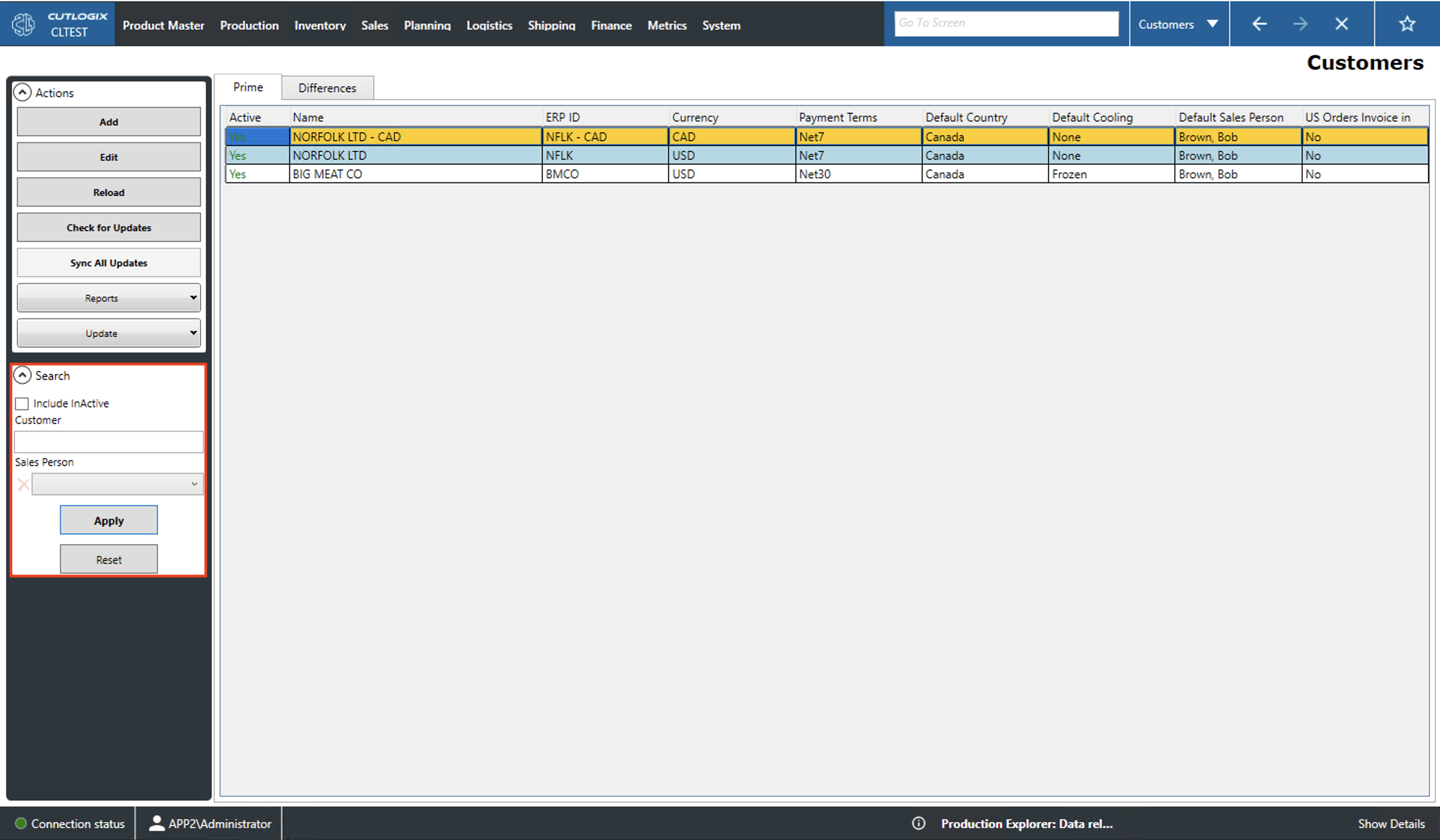
Customers
How to Navigate: Click on Sales > Customers
Summary
This screen displays the list of customers that have been entered into the system. In the prime tab you can visually scan the list, filter it and add/edit entries. The differences tab shows the differences between the customer records in CutLogix and other data sources.
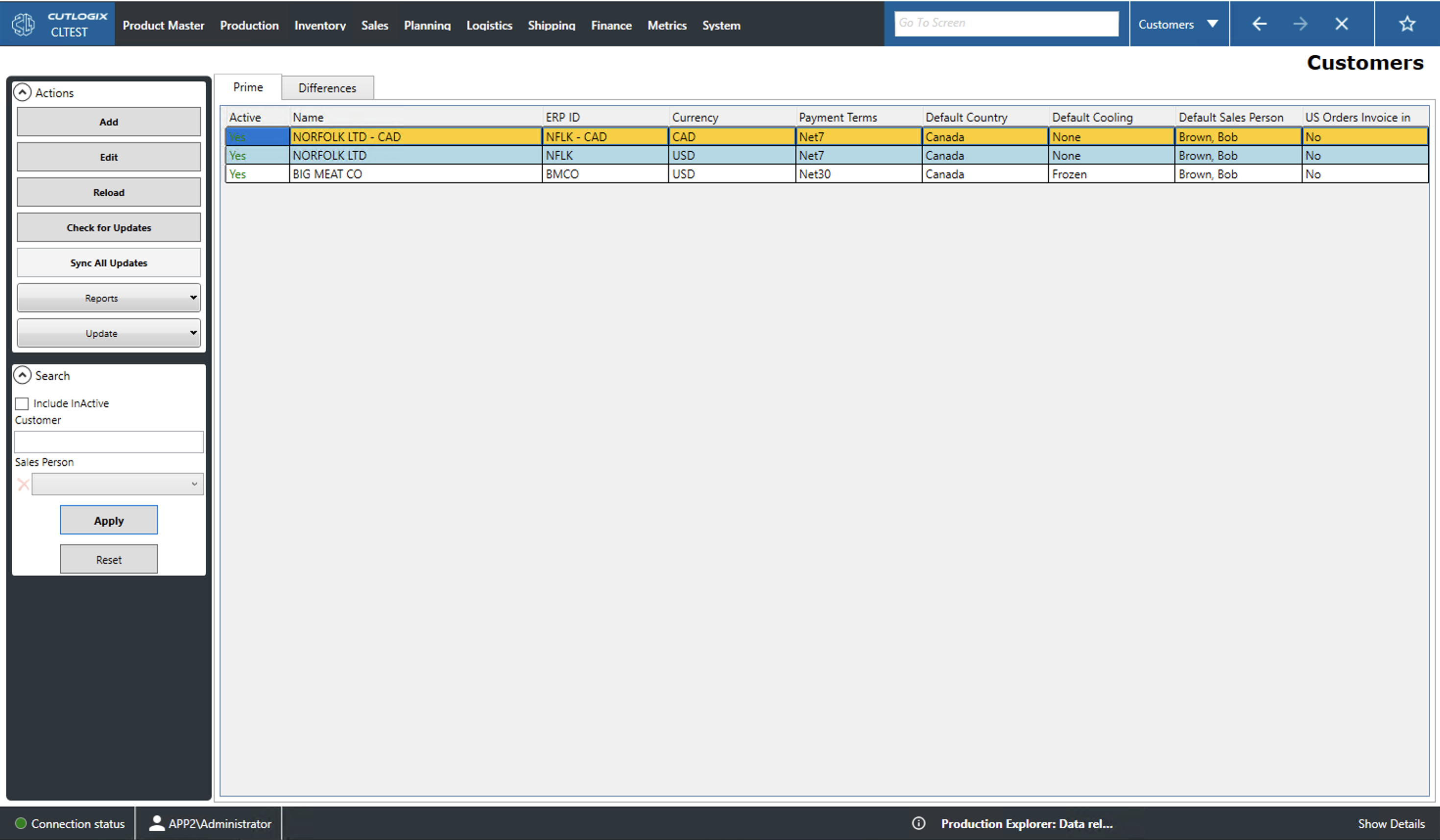
Actions
- Add/Edit: This action will create a pop up through which a user can add/edit customer record. Editing will open the currently selected (highlighted in yellow) record.
- Reload: Reloads the list displaying the most up to date info from the data base.
- Check for Updates: Checks if there have been changes made to the list from other data sources (manufacturing execution system (MES) or enterprise resource planning (ERP)). Any differences will be displayed in the 'Differences' tab.
- Sync All Updates: Locally saves differences detected in other data sources.
- Reports: This dropdown contains a list of customer related reports. This list is customizable upon request.
- Update: This dropdown allows you to update the default country, default cooling and the default sales person for the currently selected customer.
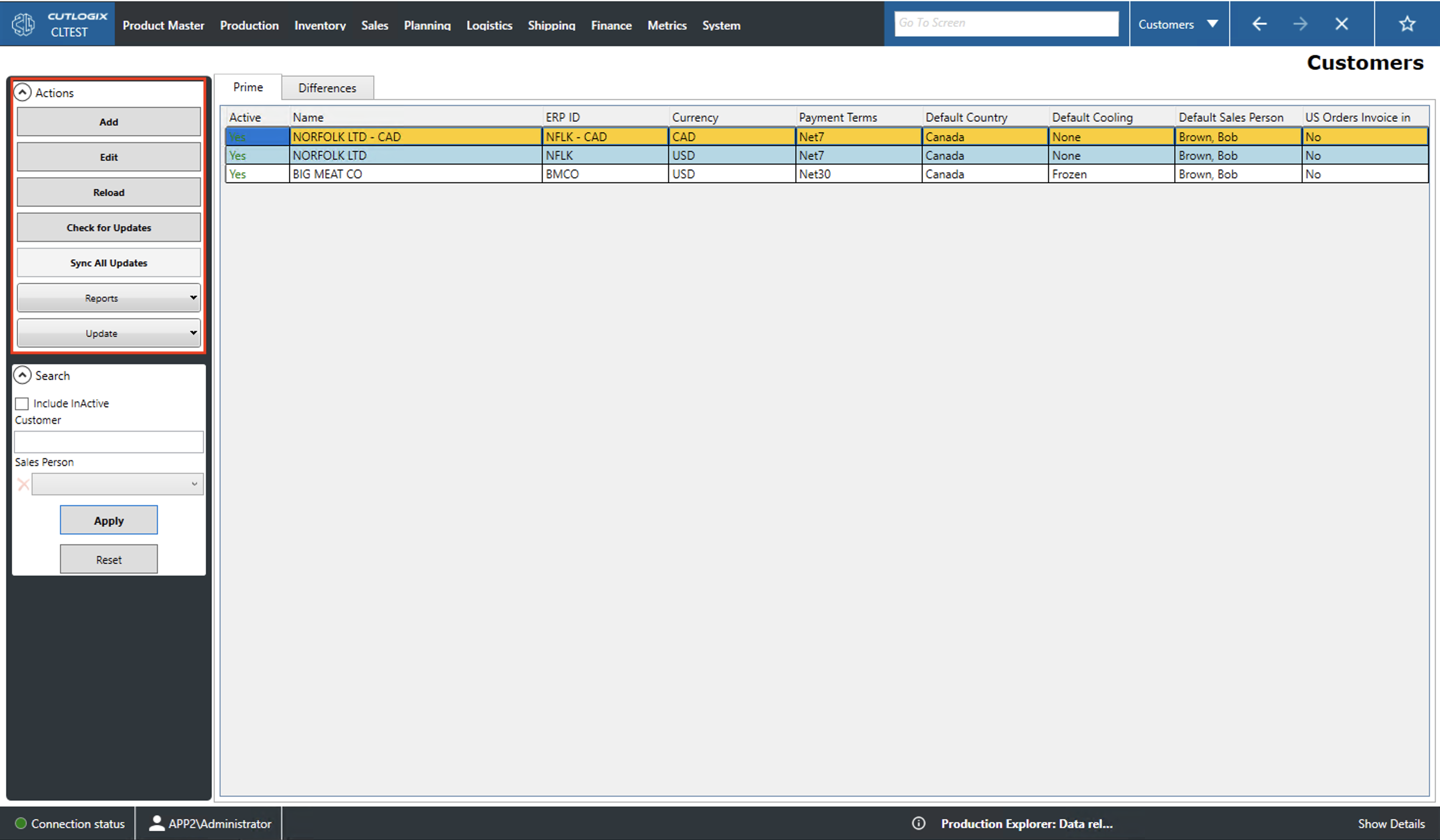
Search
- Include InActive Customer: Check this to include inactive customers in the list.
- Sales Person: Filter the list to the customers associated with a specific sales person.
- Apply: This action reloads the list with the appropriate filters applied.
- Reset: This action resets the filters and reloads the list to an unfiltered state.