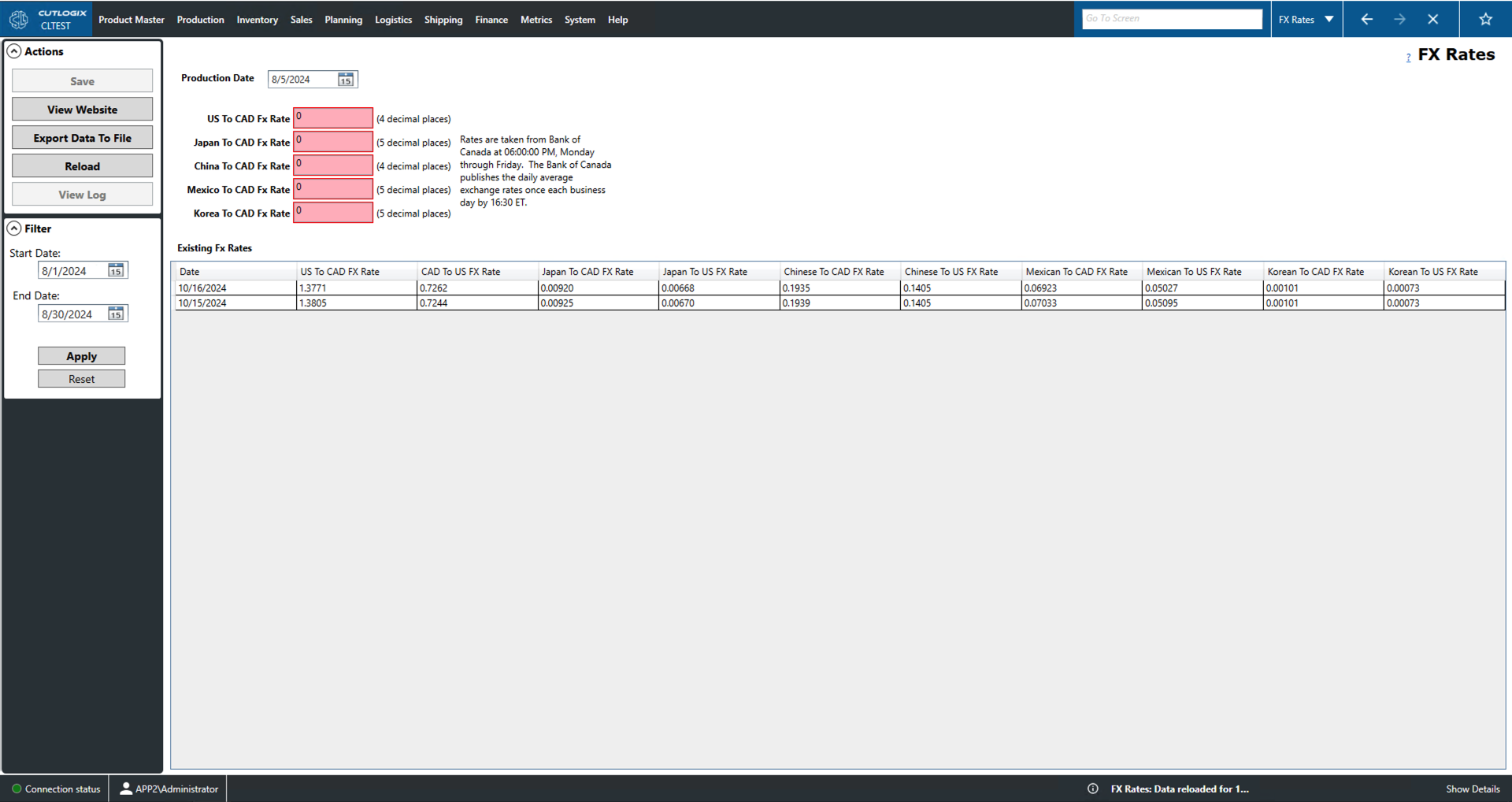
FX Rates
How to Navigate: Click on Finance > FX Rates
Summary
This page displays a number of important up-to-date exchange rates (FX) for the Canadian dollar (CAD). It can also be used to view historical FX data. All rates are pulled from the Bank of Canada at 6:00pm Monday-Friday.
-
Current Data
- Production Date: Select the date that you want to view exchange rate data for. By default this displays the data for the current day. Historical data can be viewed here using the calender icon to select a past day.
- US, Japan, China, Mexico and Korea to CAD Fx Rate: Gives the CAD value of the relevant currency. The decimal precision of the exchange rate is listed to the right of the field.
- Date: The date column gives the date that the exchange rate record was active.
- US, Japan, China, Mexico and Korea to CAD Fx Rate: These columns give the CAD value of the relevant currency.
Existing Fx Rates: If the filter on the left is used to select a date range then the data that falls within this range, exclusive of the start and end date, will appear in the list on the bottom half of the screen.
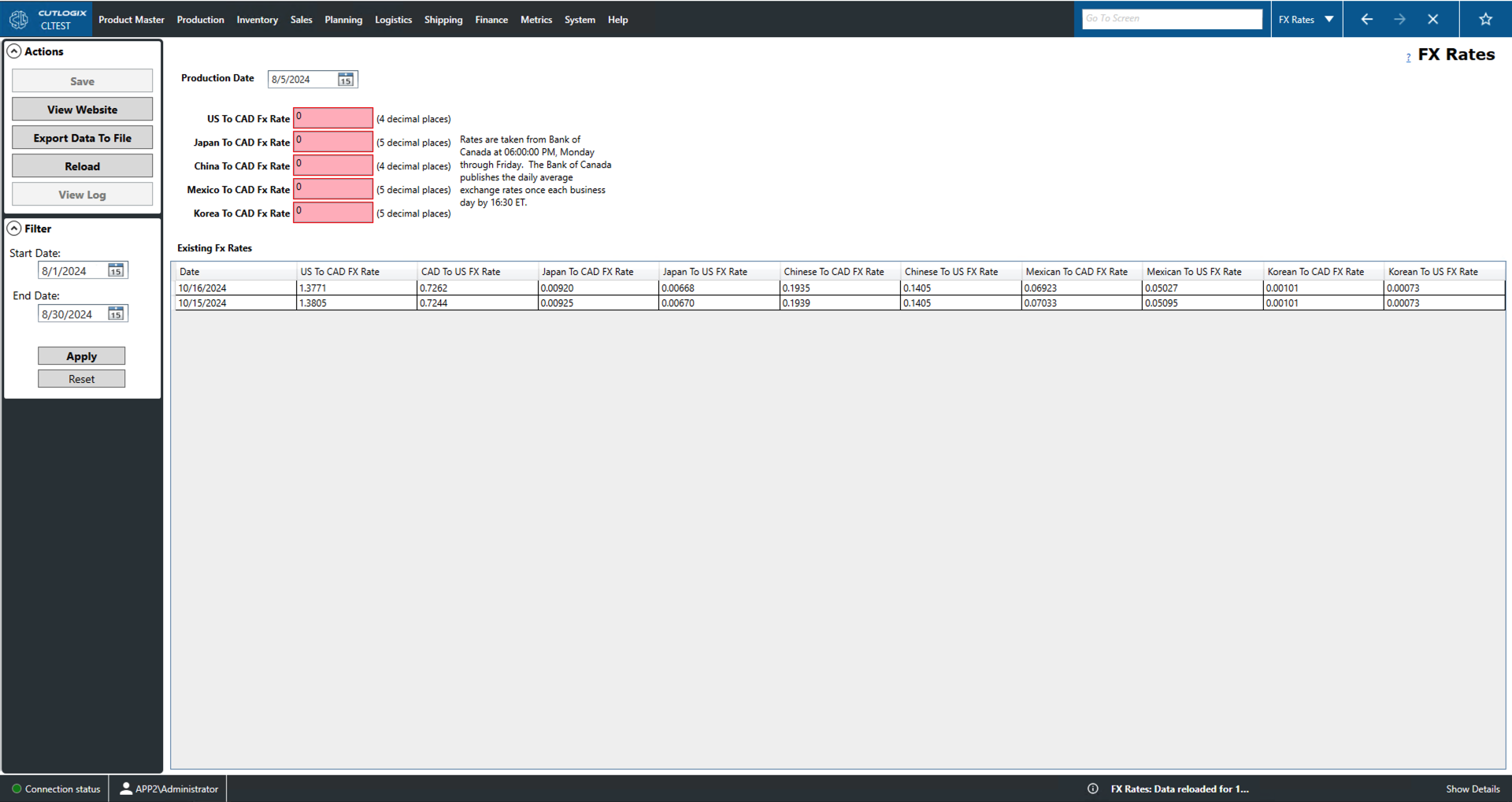
Actions
- Save: This will save the current list of exchanges rates (FX rates) so that the user can save it locally later using 'Export Data to File' if they wish.
- View Website: Takes the user to the Bank of Canada website where they can view up-to-date Fx rates for more currencies than just those listed here.
- Export Data To File: This will locally save the most recently saved date range of fx rates. Performing this action will allow the user to save the list locally as a .csv file (comma separated value file).
- Reload: This will reload the list displaying the most up to date information from the data base.
- View Log: View the change log of the currently selected Fx rate record (highlighted in yellow) in the 'Existing Fx Rates' list. This includes what was changed, by whom and when.
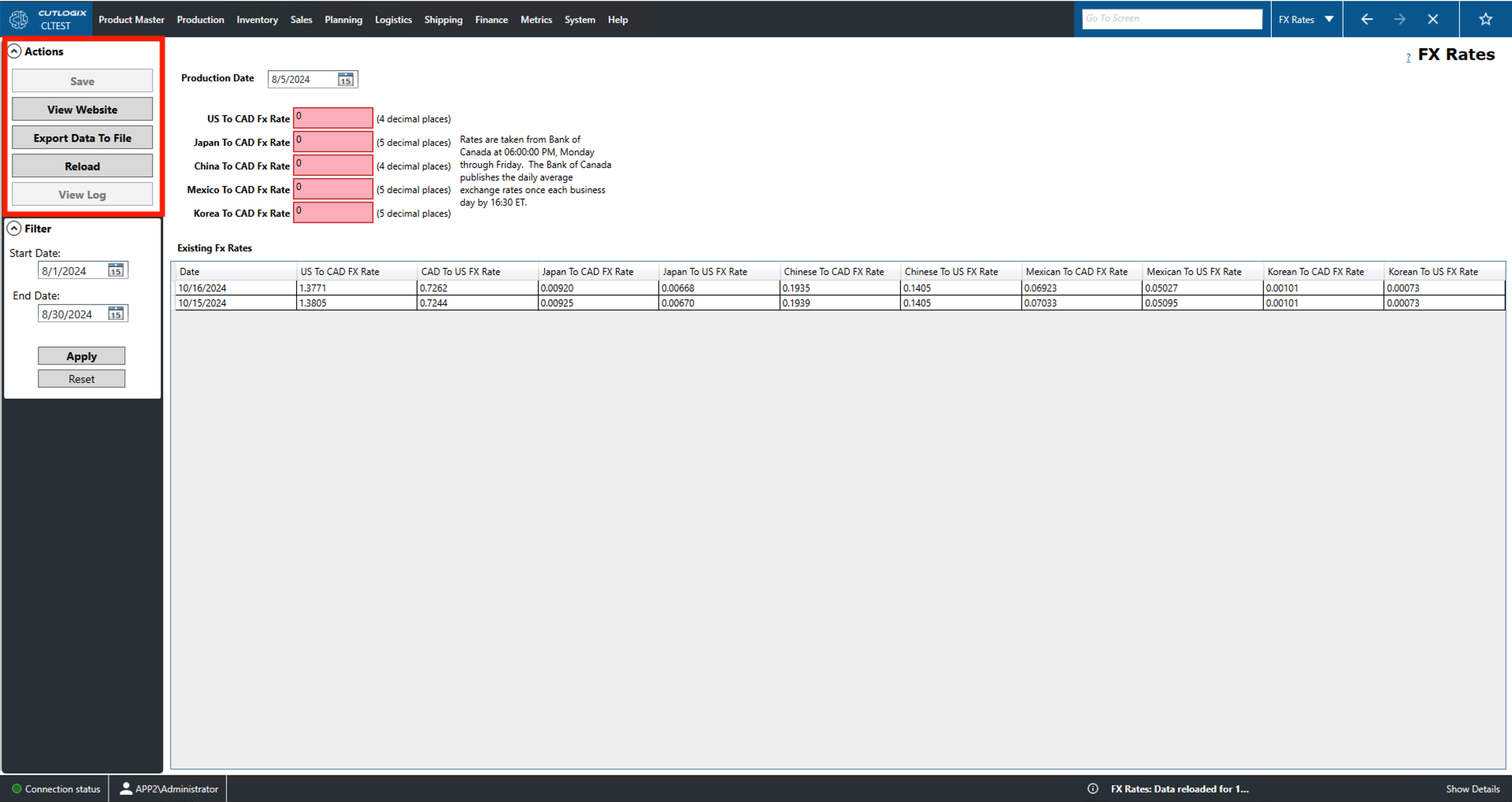
Filter
- Start/End Date: Filter list entries to only those that occurred after/before this date.
- Apply: This will load/reload the list with the current date range applied.
- Reset: This will reset the date range to the default value and reload the list to that range.