USDA Loader Overview
How to Navigate: Click on Finance > USDA Loader
Summary
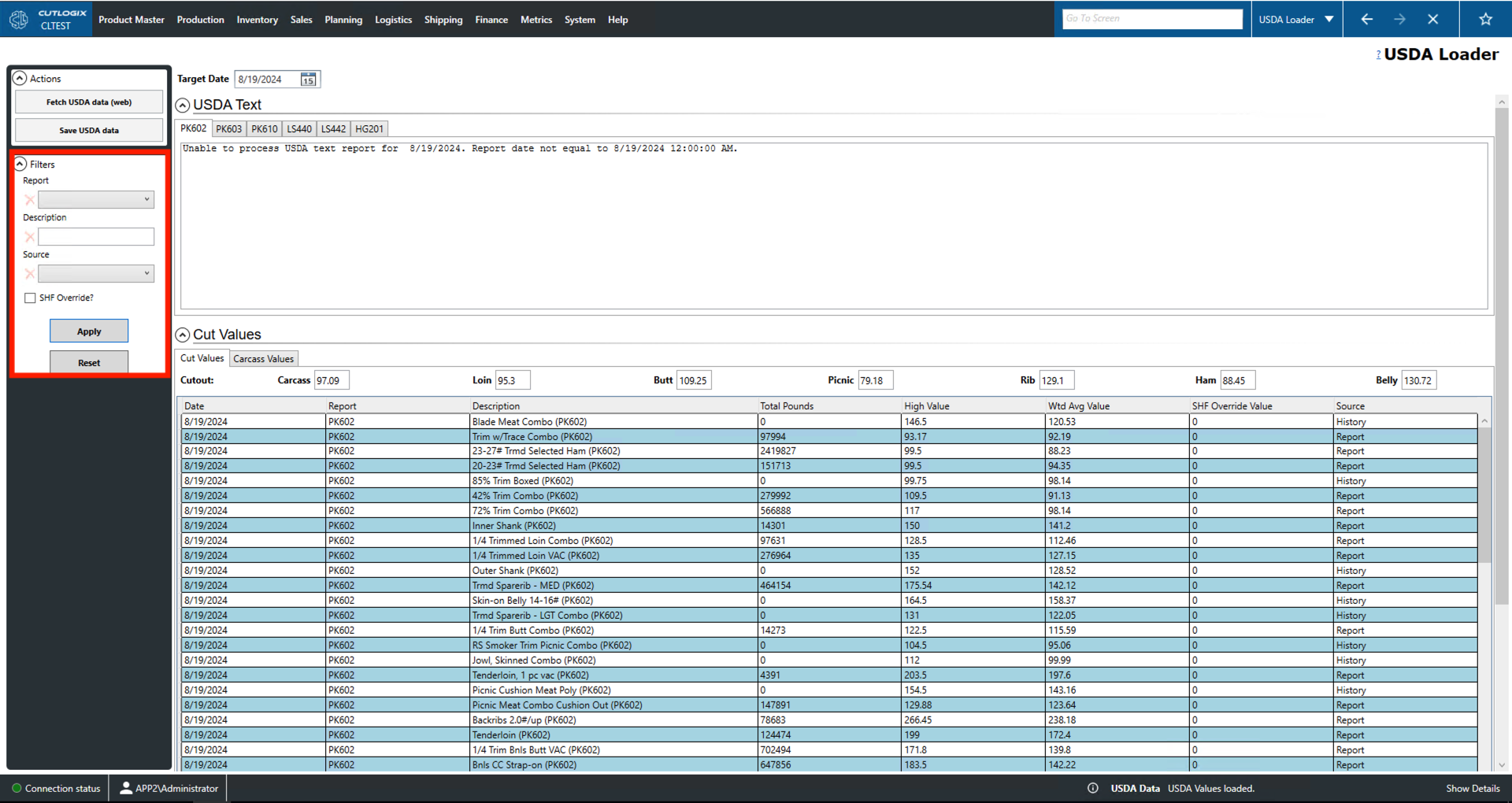
This page presents users with information on a number of relevant United States Department of Agriculture (USDA) pricing reports.
- Target Date: Use this to set the date for which you would like to view USDA prices.
- USDA Text: The tabs in this section refer to a number of daily formula pricing reports put out by the USDA. These reports are based on key market data and are used to establish formula prices. Formula prices are dynamic pricing models that incorporate both negotiated terms and real-time market data for agricultural products in the United States.
Actions
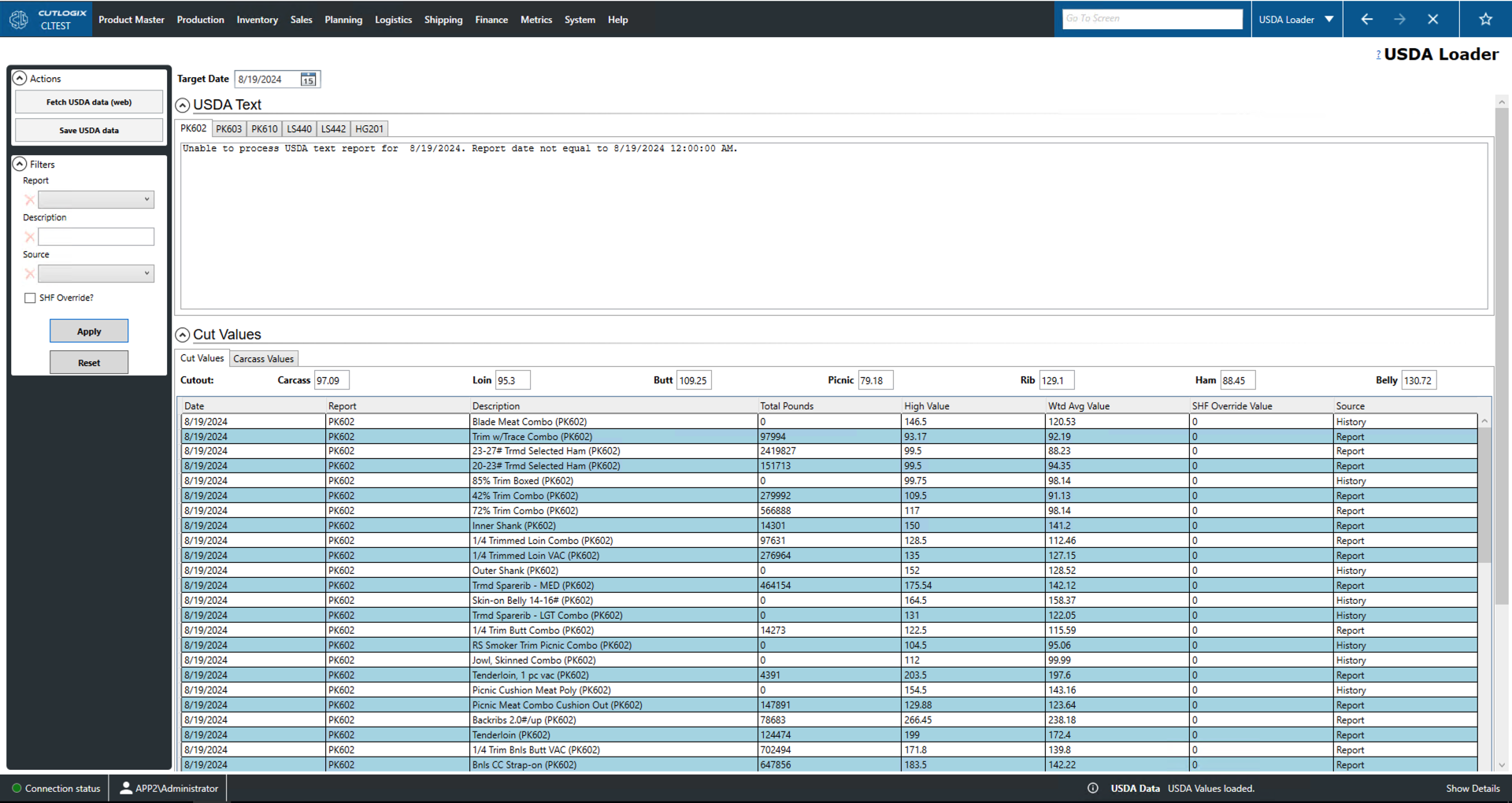
- Fetch USDA data (web): Fetch the most recent USDA data for the relevant reports.
- Save USDA data: Allows the user to save the USDA data locally as a .xlsx file (excel format).
Filter
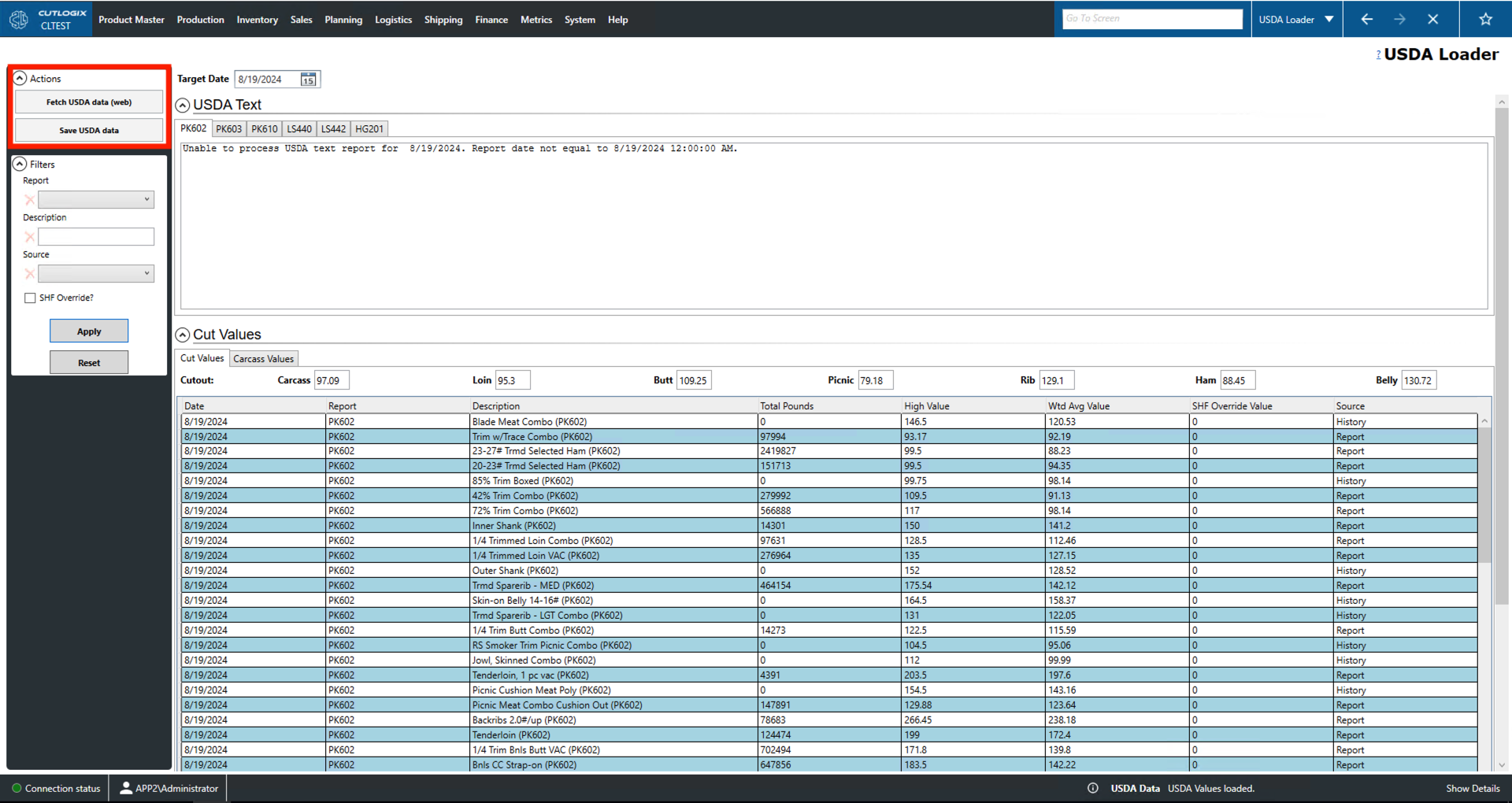
- Report: Filters the values to those taken from a specific report (PK602, PK603, etc.).
- Description: Filter to entries with description text that equals the search term.
- Source: Filter by data source.
- SHF Override: Filters the list to entries that are manual price overrides.
- Apply: This will reload the values with the relevant filters applied.
- Reset: This will set the filters and reload the list to an unfiltered state.