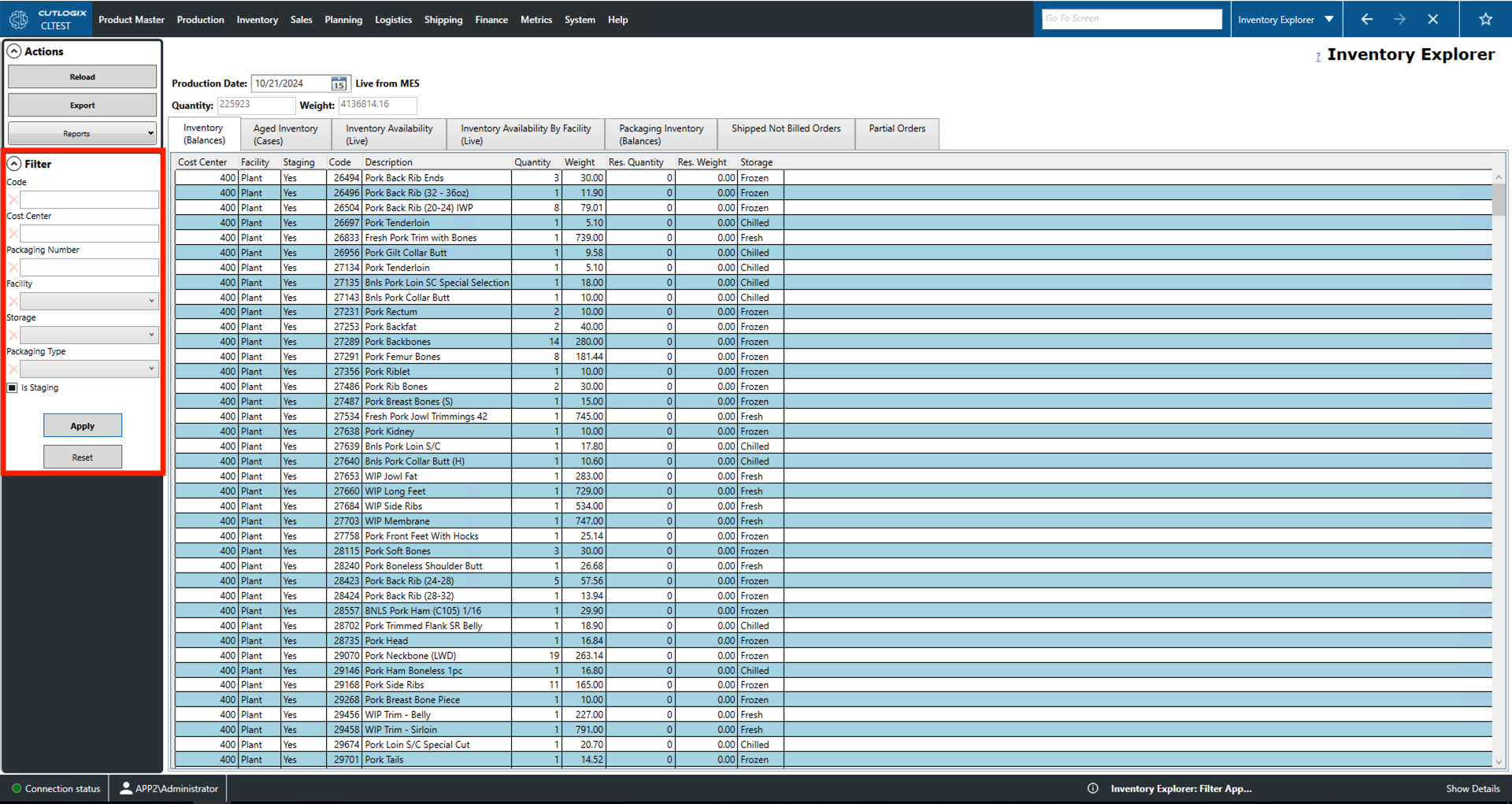
Inventory Explorer Overview
How to Navigate: Click on Inventory > Inventory Explorer
Summary
This page gives the user information on available product and packaging inventory such as what facility it is in and where in that facility it is located. The Inventory Availability (Live) tab also gives current product availability. Users can also use this tab to browse orders that have been shipped but the customer has not yet been billed. Lastly, users can use this page to browse partial orders which are orders that do not fill a shipping container or semi trailer.
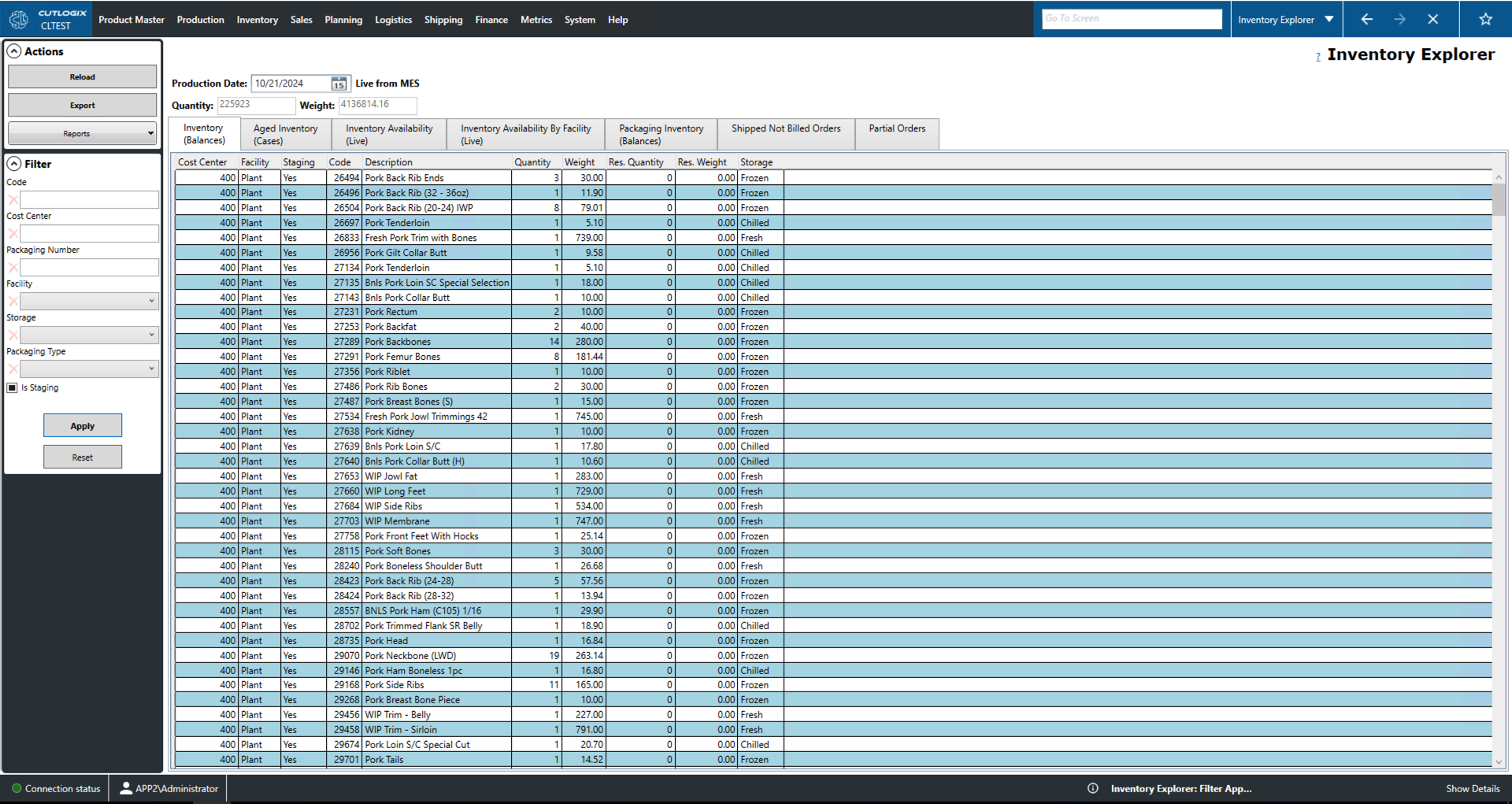
Actions
- Reload: Reloads the list displaying the most up to date information from the data base.
- Export: Allows the user to save the inventory records locally as a .xlsx file (excel format).
- Reports: This dropdown gives the user access to a number of reports pertaining to the inventory records. These reports are customizable as per customer request.
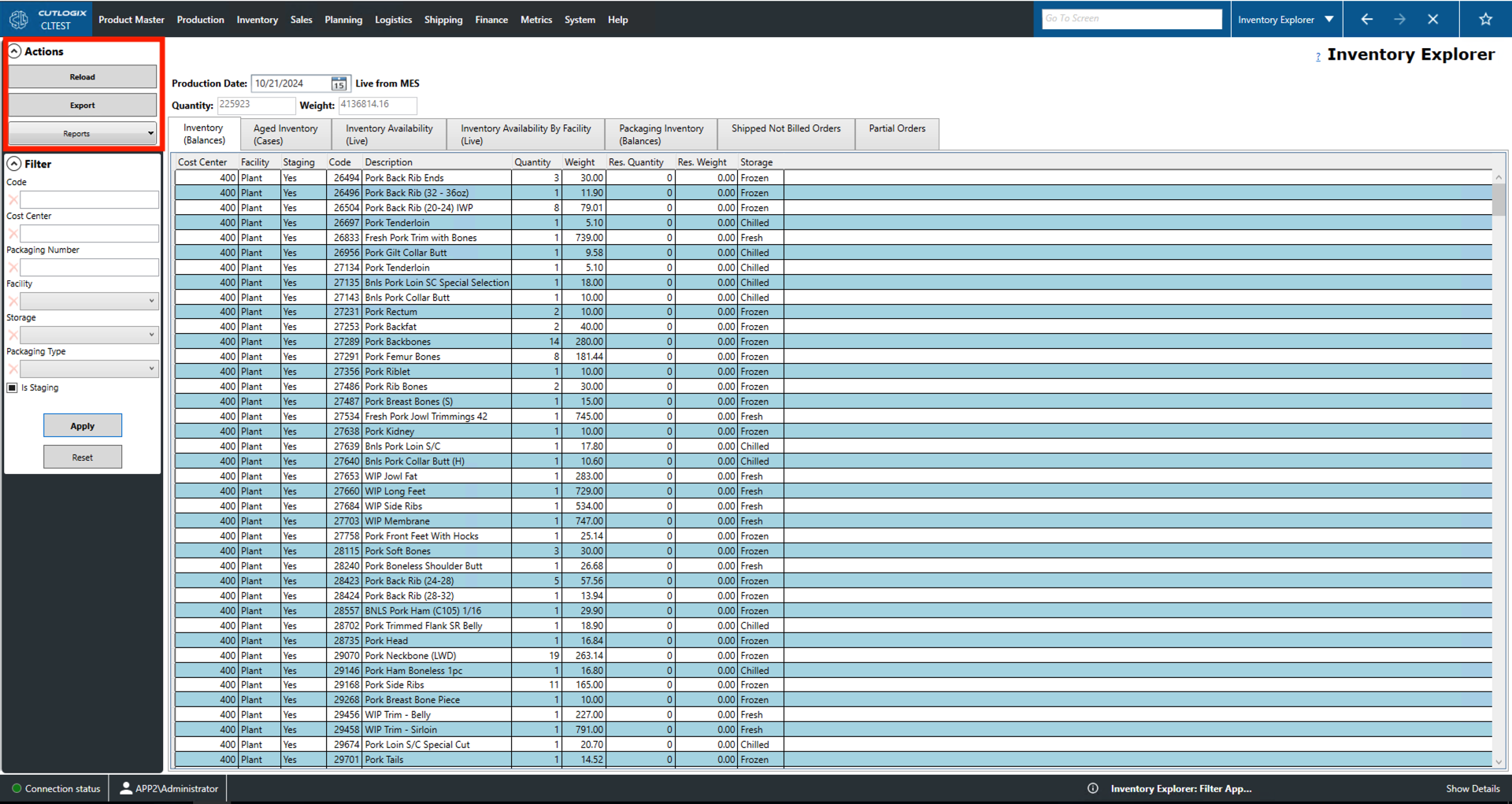
Filter
- Code: Filter by the unique identifier given to products.
- Cost Center: Area in the plant or facility where the inventory is located.
- Packaging Number: Filter to products that are associated with a particular packaging number.
- Facility: Filter by the facility in which the inventory is stored.
- Storage: Filter by the product's cooling type (fresh, frozen or chilled).
- Packaging Type: Filter to products that have a particular packaging type.
- Is Staging: Filter to inventory that is currently being staged to be loaded.
- Apply: Reloads the list with the current filters applied.
- Reset: Resets the filters and reloads the list to an unfiltered state.