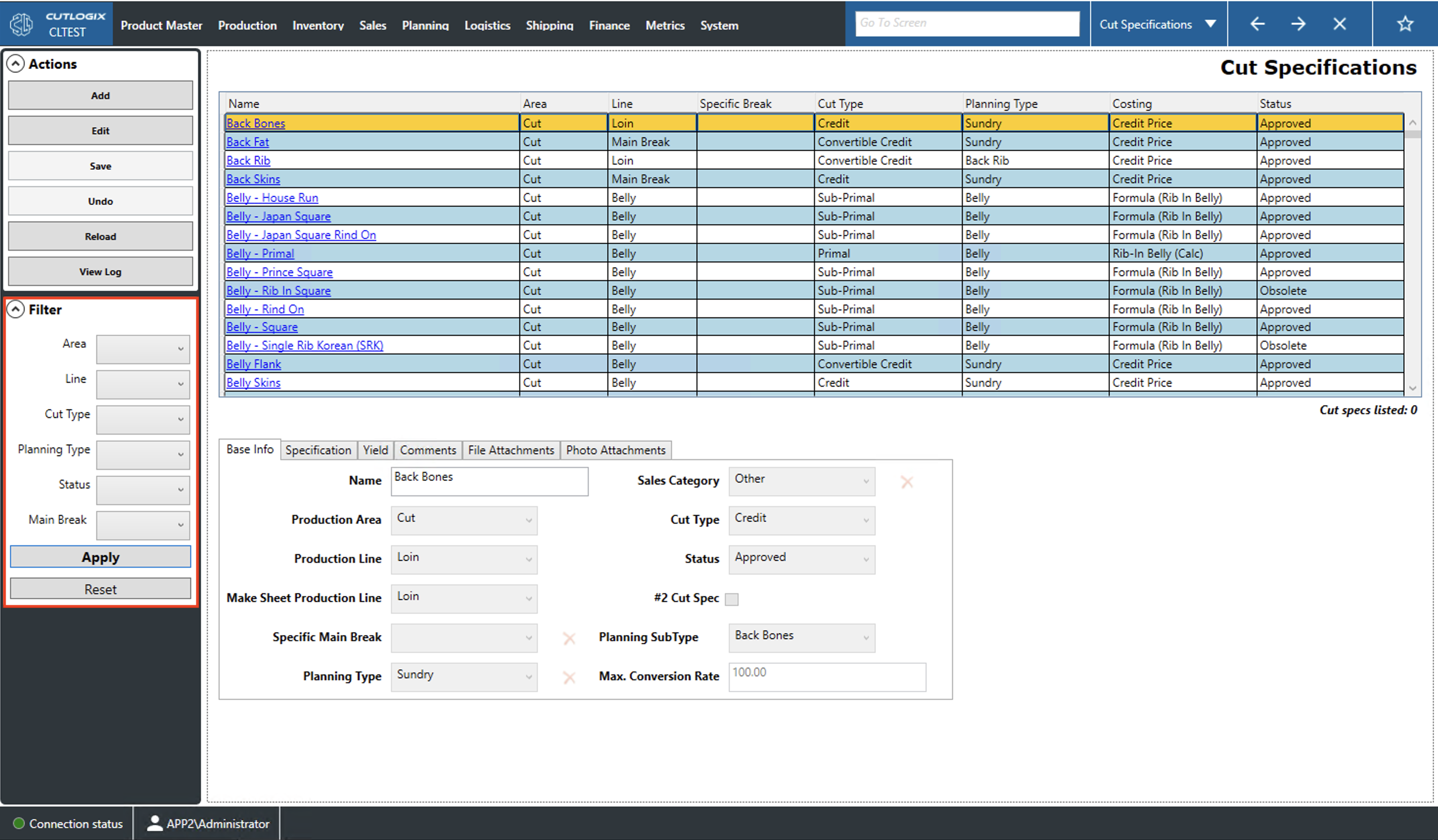
Cut Specifications Overview
How to Navigate: Click on Product Master > Cut Specifications
Summary
The cut specifications (cut specs) page contains information on all cut specs in the system. A cut spec indicates the specifications that a cut of meat must be prepared to as well as any major defects that need to be avoided. This page allows you to view, search, add and modify the system's cut specs. The tabs at the bottom of the page can be used to view a variety of information about the currently selected (highlighted in yellow) cut spec. These tabs can also be used for data entry when the add/edit buttons are clicked.
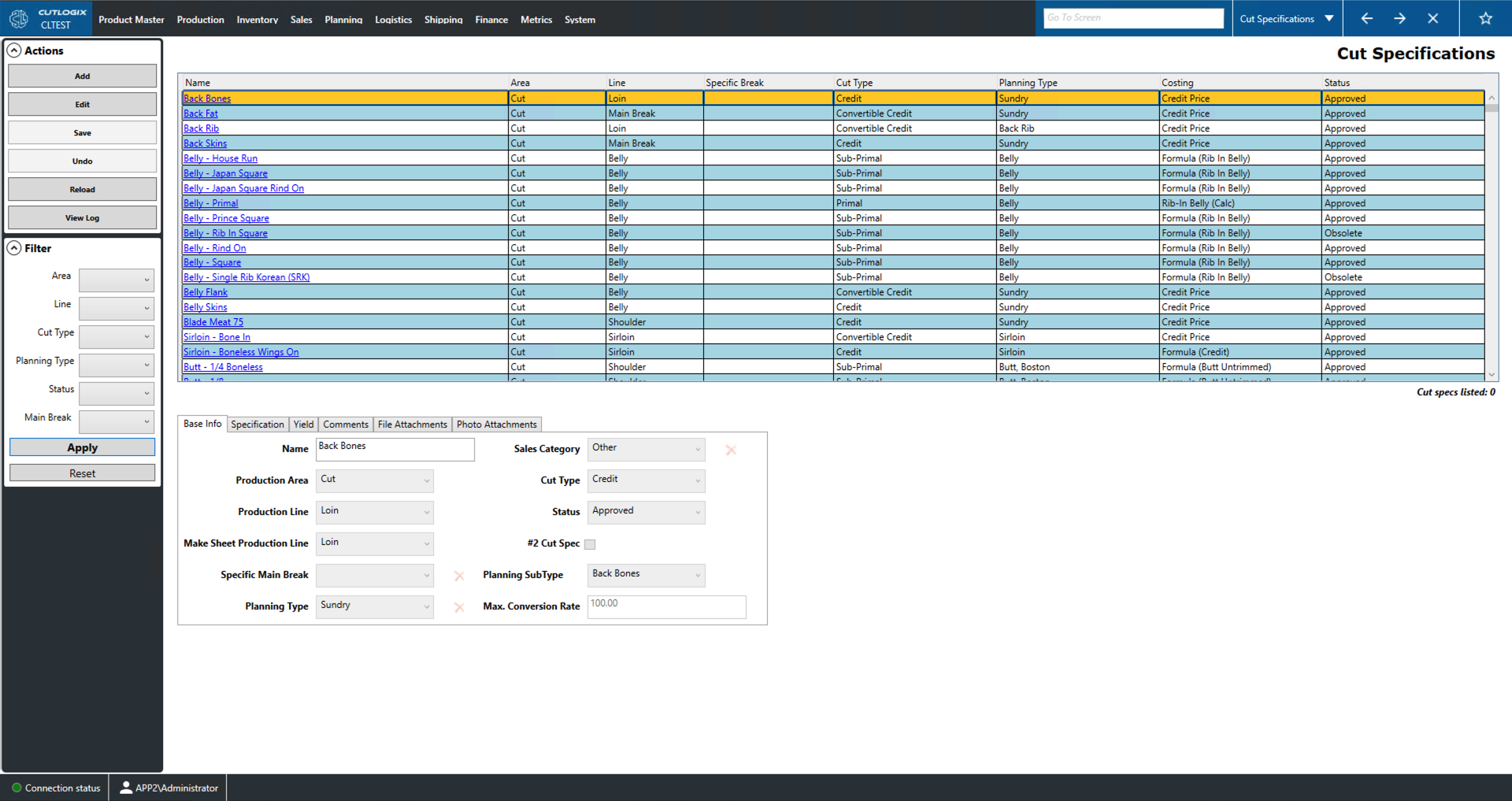
Actions
- Add: Add new cut spec to the cut specifications (cut specs) list.
- Edit: Edit the currently selected cut spec.
- Required Fields for adding/editing:
- Base Info Tab: Name, Production Area, Production Line, Planning Type, Sales Category and Cut Type
- Specification Tab: Specification, Major Defects
- Save: Saves all changes made in the current add/edit session.
- Undo: Rolls back all changes made in the current add/edit session.
- Reload: Reload the cut specs page displaying the most up to date data from the data base.
- View Log: View the change log for the currently selected cut spec. This includes what was changed, by whom and when.
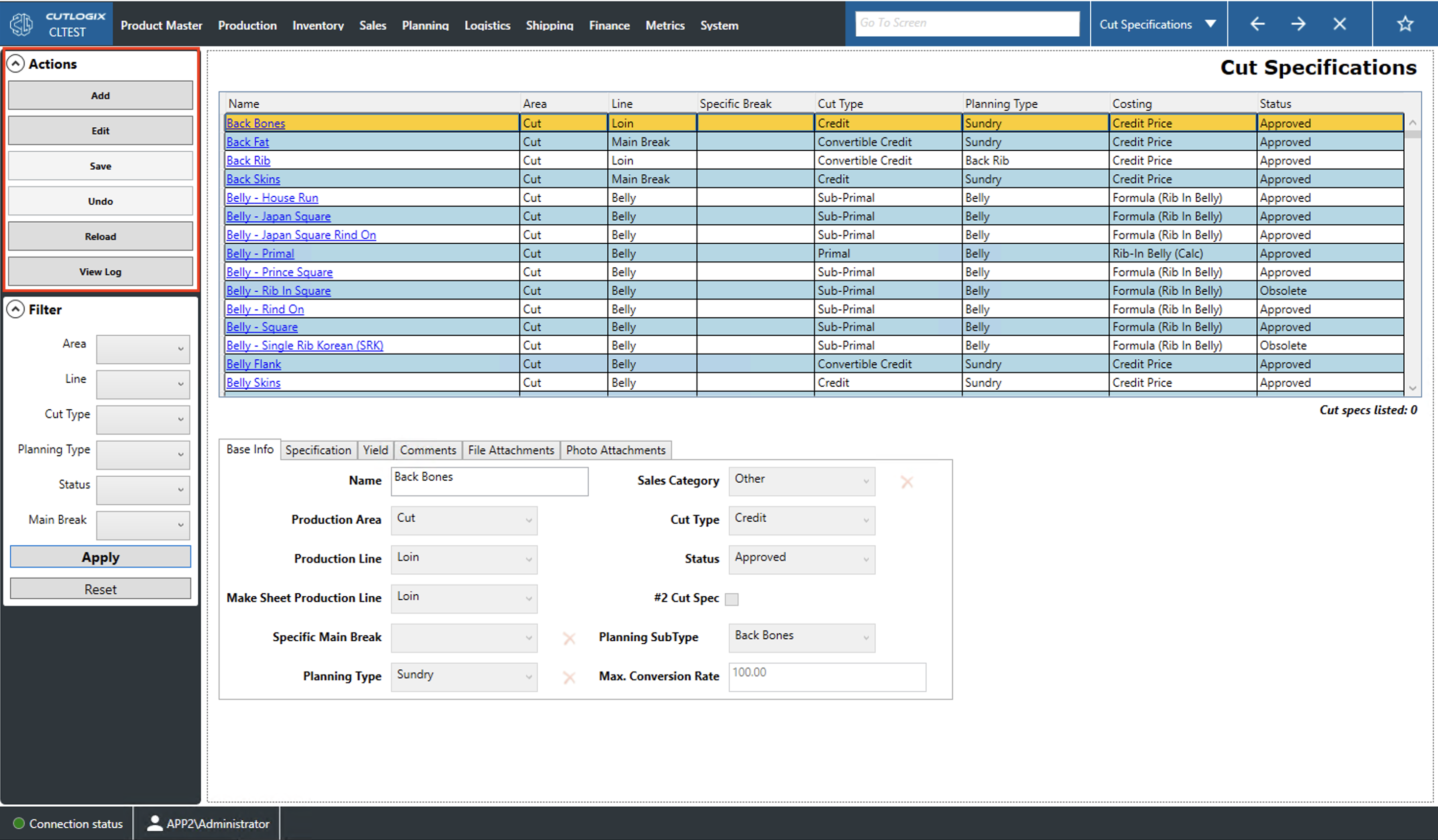
Filter
Users can set the dropdowns in the filter to reduce the list to cut specifications that have that attribute:
- Area: The production area in which a cut spec is produced.
- Line: The production line on which a cut spec is produced.
- Cut Type: A cut spec's type (Ex. Primal, Sub-Primal, etc.).
- Planning Type: The type assigned to a cut spec in the planning system.
- Status: The status of a cut spec (Ex. Draft, Approved or Obsolete).
- Main Break: The type of main break used to produce a cut spec (i.e. 4/5, 3/4, etc.).
- Apply: Reload the list with the relevant filters applied.
- Reset: Reset the filters and reload the list to an unfiltered state.