Yield Specifications Overview
How to Navigate: Click on Product Master > Yield Specifications
Summary
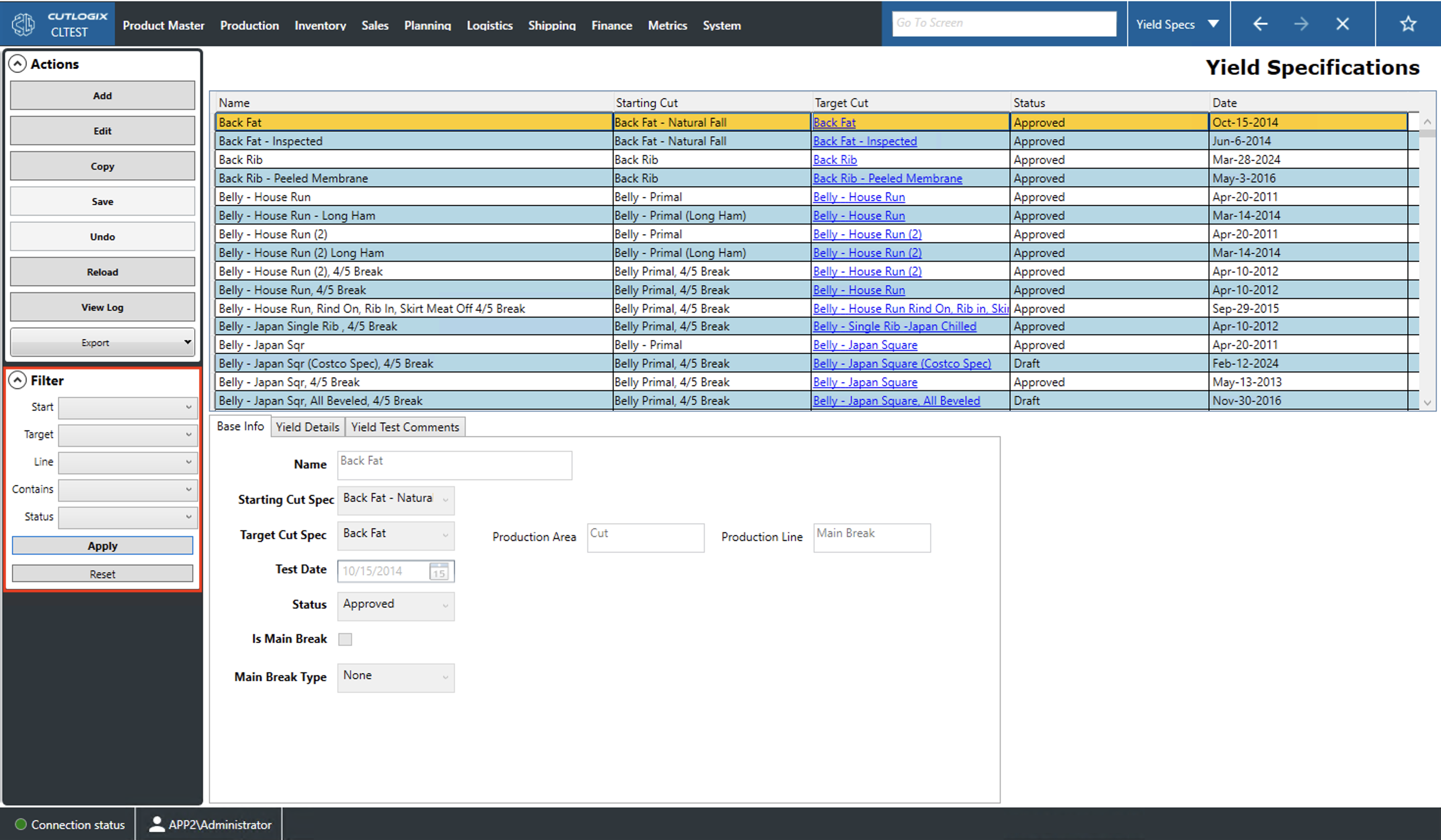
This page presents users with information about all of the yield specifications (yield specs) in the system. A yield spec records what percentage of the starting cut specification (cut spec) is used to create the target cut, how much goes towards other cuts/products and how much is lost.
- Name: A name/description of the cut spec.
- Starting Cut: The name of the cut spec that processing starts with.
- Target Cut: The cut spec that is produced after processing the starting cut spec. Clicking this will take you to the cut specifications page with that cut spec selected. You can view more info about the cut spec here.
- Status: The status of the currently selected yield spec.
- Draft: The yield spec is in the process of being created and reviewed.
- Approved: The yield spec has been approved.
- Obsolete: The yield spec is no longer being used.
- Date: This is the date that the data for the yield spec was collected. This is done by taking a sample of the available stock and measuring how much was yielded of each cut spec produced when making the target cut spec. This date gives a sense of how stale the yield data is.
Actions
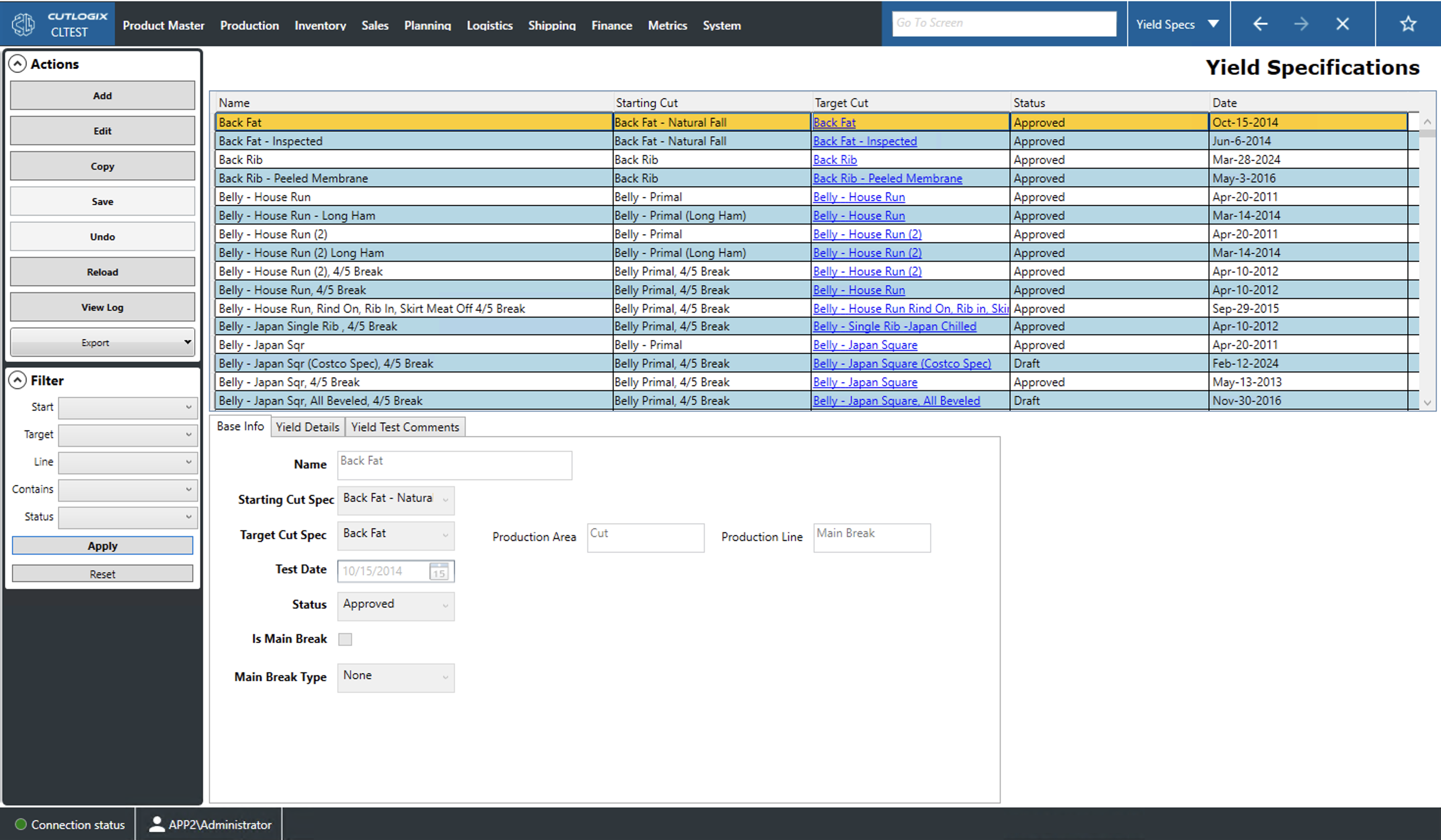
- Add: Allows users to add a new yield specification (yield spec) to the list.
- Edit: Allows users to edit the currently selected (highlighted in yellow) yield spec.
- Copy: Allows users to copy the currently selected yield spec.
- Required Fields for Add/Edit/Copy:
- Base Info Tab: Name, Starting Cut Spec and Target Cut Spec.
- Save: Save all changes made in the current add/edit/copy session.
- Undo: Rolls back all changes made in the current add/edit/copy session.
- Reload: This will reload the list from the data base displaying the most up-to-date data.
- View Log: This will allow users to review what changes have been made to the currently selected yield spec. This includes what was changed, by whom and when.
Filter
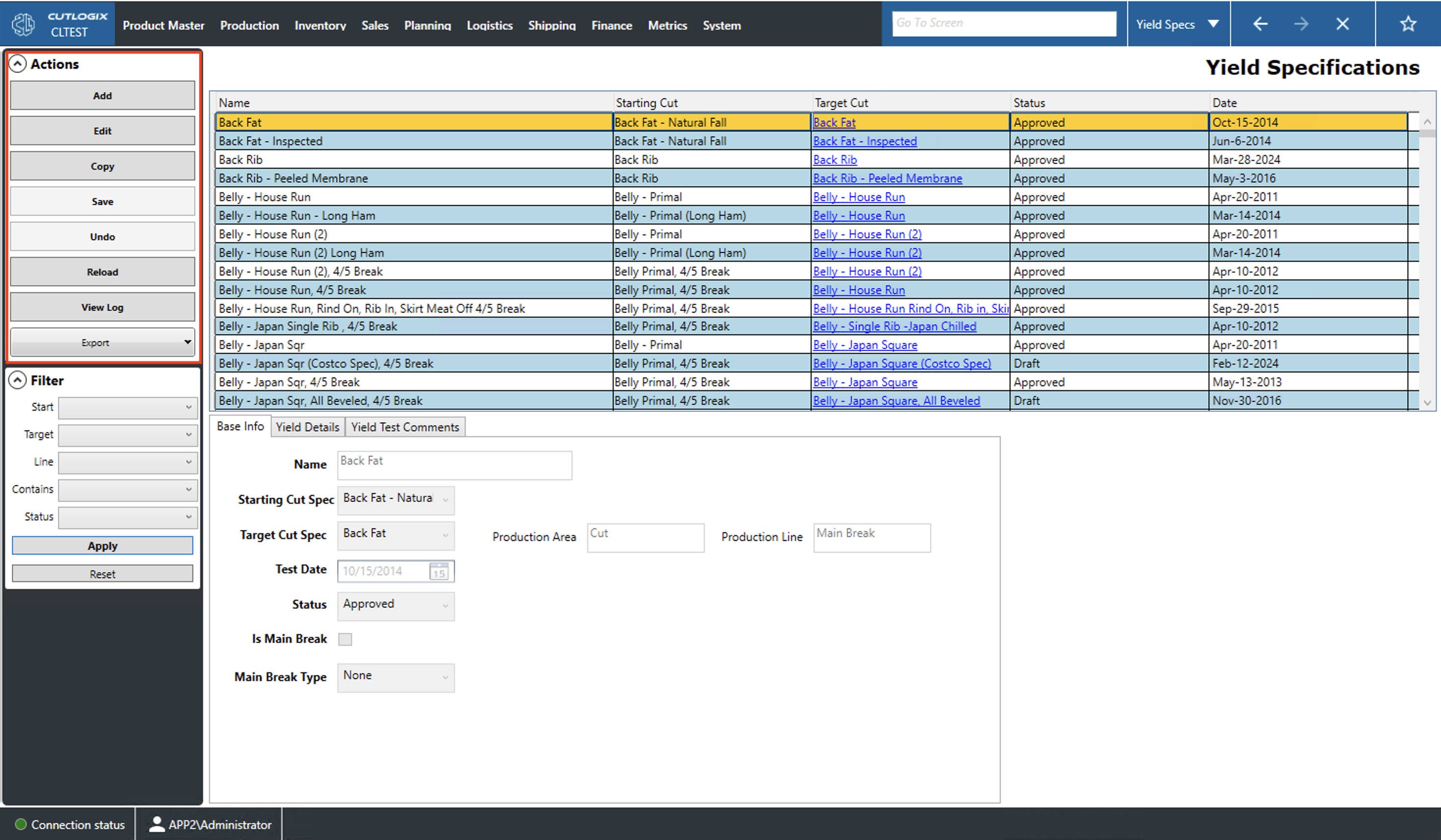
- Start, Target: Filter the list to entries that have a starting/target cut spec equal to the dropdown selection.
- Line: Filter the list by the production line (ham, butt, belly, etc.) on which the product is produced.
- Contains: Filter the list to entries that yield the dropdown selection.
- Status: Filter by the current status of the selected yield spec.
- Draft: This is a yield spec that is still being planned.
- Approved: This is a yield spec that has been approved by internal stakeholders.
- Obsolete: This is a yield spec that is no longer in use.
- Apply: This will reload the list with the relevant filters applied.
- Reset: This will set all filters and reload the list to an unfiltered state.