Yield Monitor
How to Navigate: Click on Production > Yield Monitor
Summary
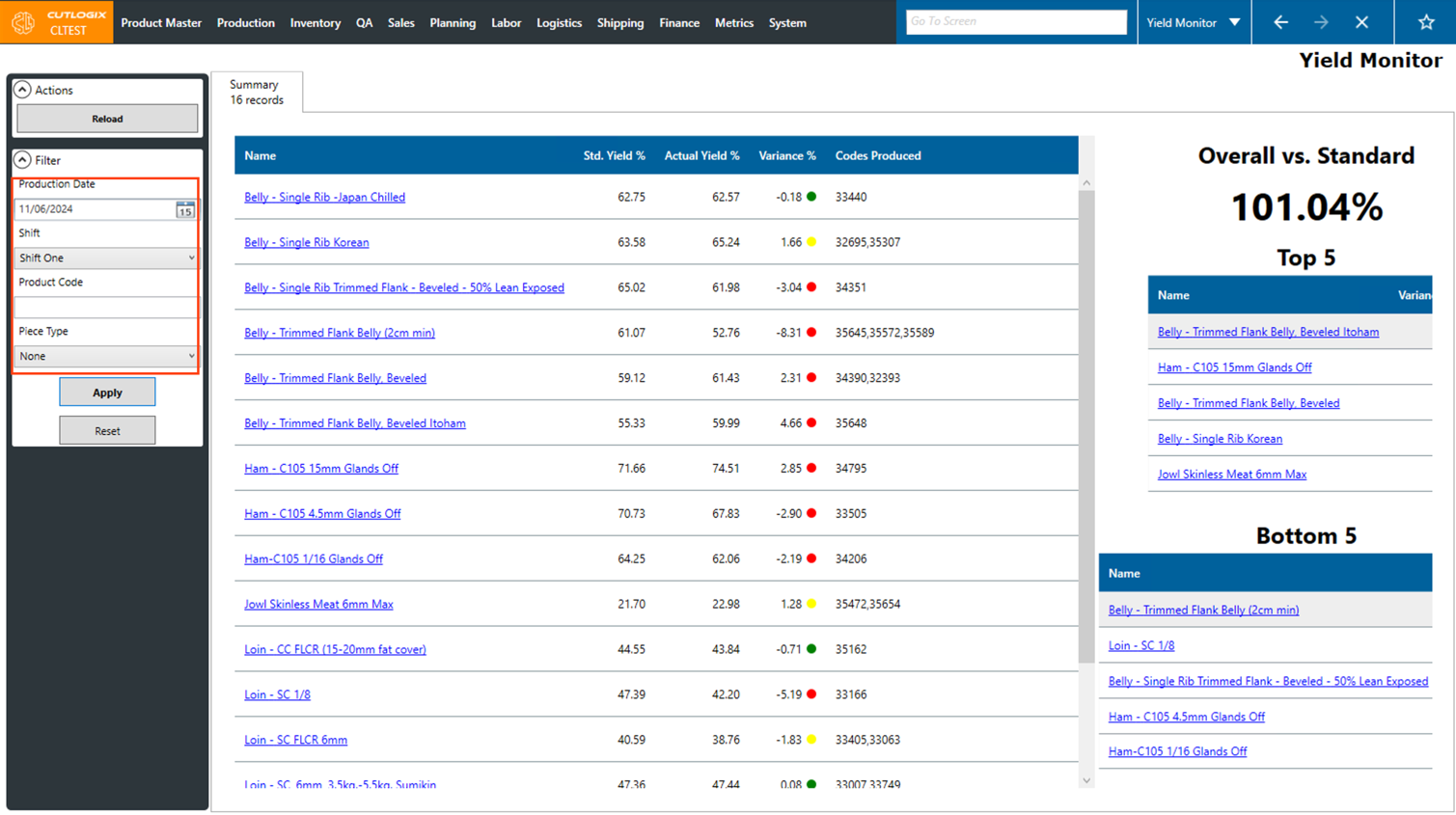
This screen gives you an easy way to view the accuracy of product production in your facility. This is done by displaying the yield variance per cut spec produced.
This is done by taking the Actual Yield - The Standard Yield.
This is done by taking the Actual Yield - The Standard Yield.
-
Standard Yield (Std Yield %): This is the standard calculated percentage of a parent cut spec that goes towards the target cut spec.
Actual Yield (Actual Yield %): This is the actual yield (on average) that was yielded on the selected day/shift.
Example The first cut spec shown in the screenshot to the right shows a standard yield % of 62.75% and the actual yield % for the selected shift (Shift 1) is 62.57%.
62.57 - 62.75 = -0.18. So the variance is -0.18%.
Actions
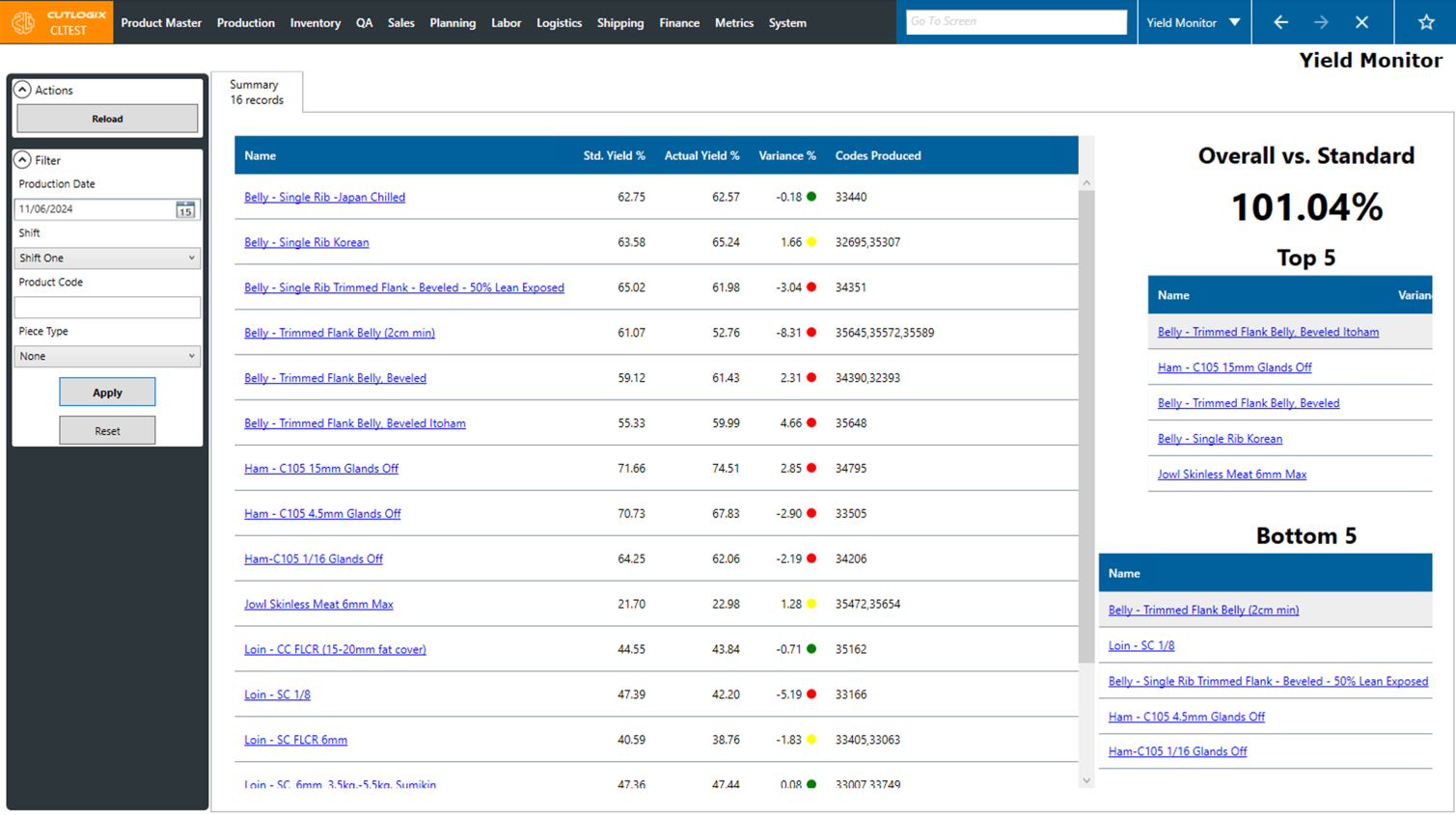
- Reload: Reloads the list, displaying the most up-to-date info from the database. Note: There is a job that automatically runs to refresh the yield monitor page. By default, this happens every 10 minutes.
Search
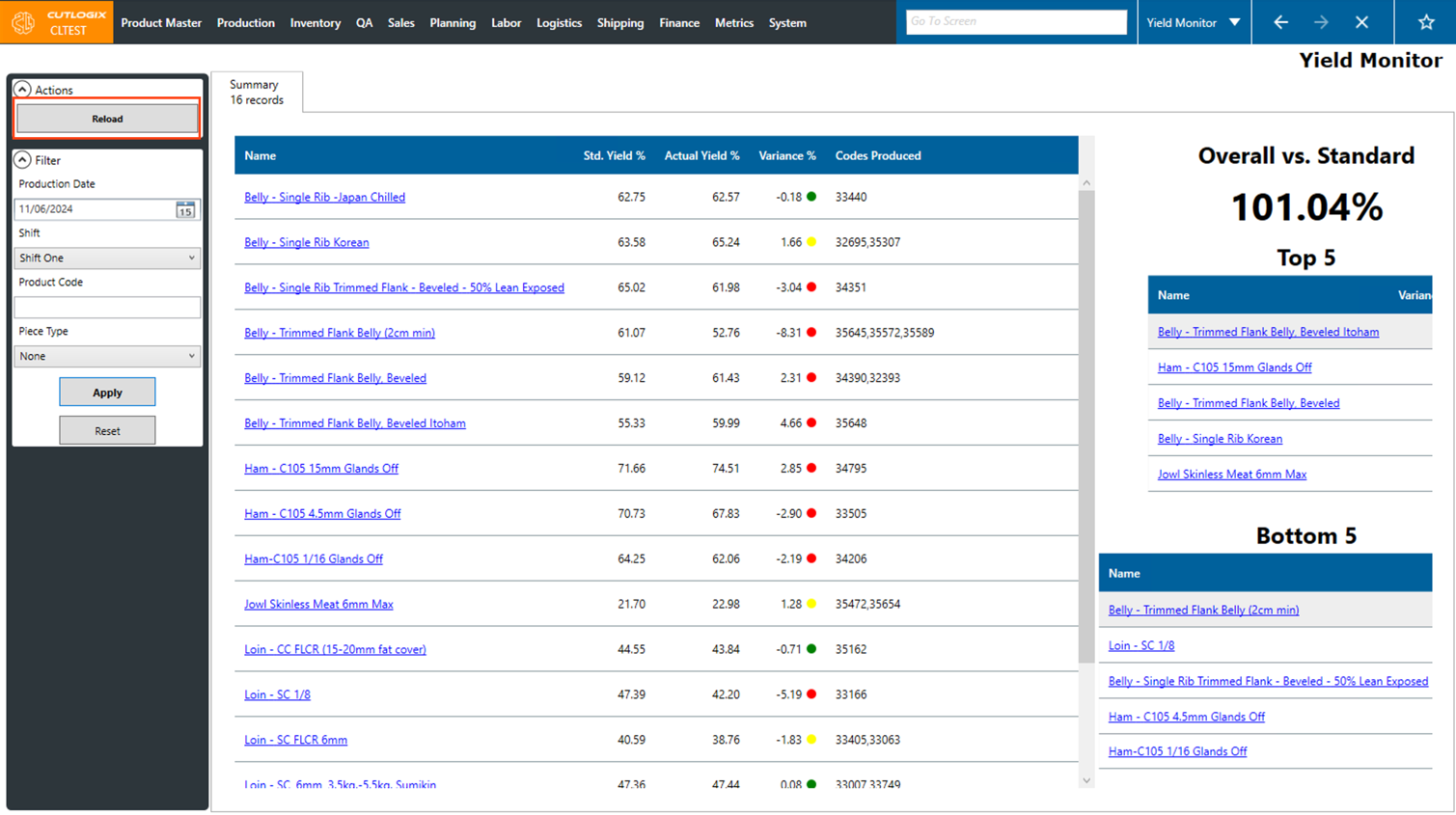
- Production Date: Use this date picker to choose the production date that you want to view yield data for.
- Shift: Choose the shift that you want to view yield data for, using this drop down list.
- Product Code: Here, you can enter a specific product code to view the yield data for.
- Piece Type: Choose a specific piece type from the dropdown list to view yield data for.
After setting up any of these search filters, click the "Apply" button to enable them. The yield data will then update and display according to your set filters.